








Hello my cybersecurity and ethical hacker enthuiasts.
I have some news for you, okay old news but still exciting.
Offensive Security recently released Kali Nethunter for Unrooted/Nonrooted Android Device.
NetHunter Rootless Edition
Maximum flexibility with no commitment
Install Kali NetHunter on any stock, unrooted Android device without voiding the warranty.
Prerequisite:
Android Device
(Stock unmodified device, no root or custom recovery required)
Installation:
- Install the NetHunter-Store app from https://store.nethunter.com
- From the NetHunter Store, install Termux, NetHunter-KeX client, and Hacker’s keyboard
Note:
The button “install” may not change to “installed” in the store client after installation – just ignore it.
Starting termux for the first time may seem stuck while displaying “installing” on some devices – just hit enter. - Open Termux and type:
termux-setup-storagepkg install wgetwget -O install-nethunter-termuxhttps://offs.ec/2MceZWrchmod +x install-nethunter-termux./install-nethunter-termux
Usage:
Open Termux and type one of the following:
nethunter or nh -start Kali NetHunter command line interfacenethunter kex passwd -configure the KeX password (only needed before 1st use)nethunter kex & -start Kali NetHunter Desktop Experience user sessionsnethunter kex stop -stop Kali NetHunter Desktop Experiencenethunterrun in NetHunter environment- nethunter -r -start Kali NetHunter cli as rootnethunter -r kex passwd -configure the KeX password for rootnethunter -r kex & -start Kali NetHunter Desktop Experience as rootnethunter -r kex stop -stop Kali NetHunter Desktop Experience root sessionsnethunter -r kex kill -Kill all KeX sessionsnethunter -rrun-
Note: The command nethunter can be abbreviated to nh.
Tip: If you run kex in the background (&) without having set a password, bring it back to the foreground first when prompted to enter the password, i.e. via fg – you can later send it to the background again via Ctrl + z and bg
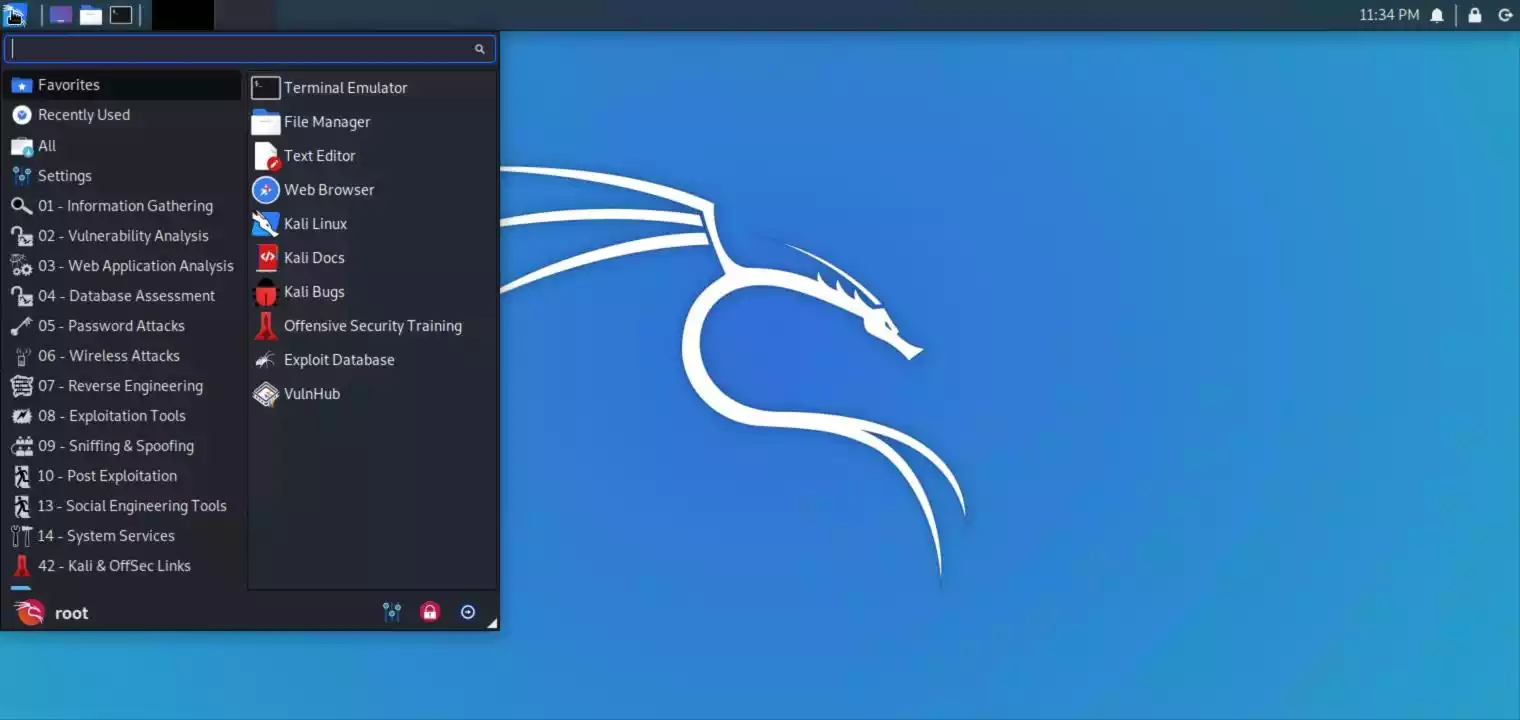
To use KeX, start the KeX client, enter your password and click connect
Tip: For a better viewing experience, enter a custom resolution under “Advanced Settings” in the KeX Client/






Discussion about this post