









Understanding the Drawbacks of Thin Laptops
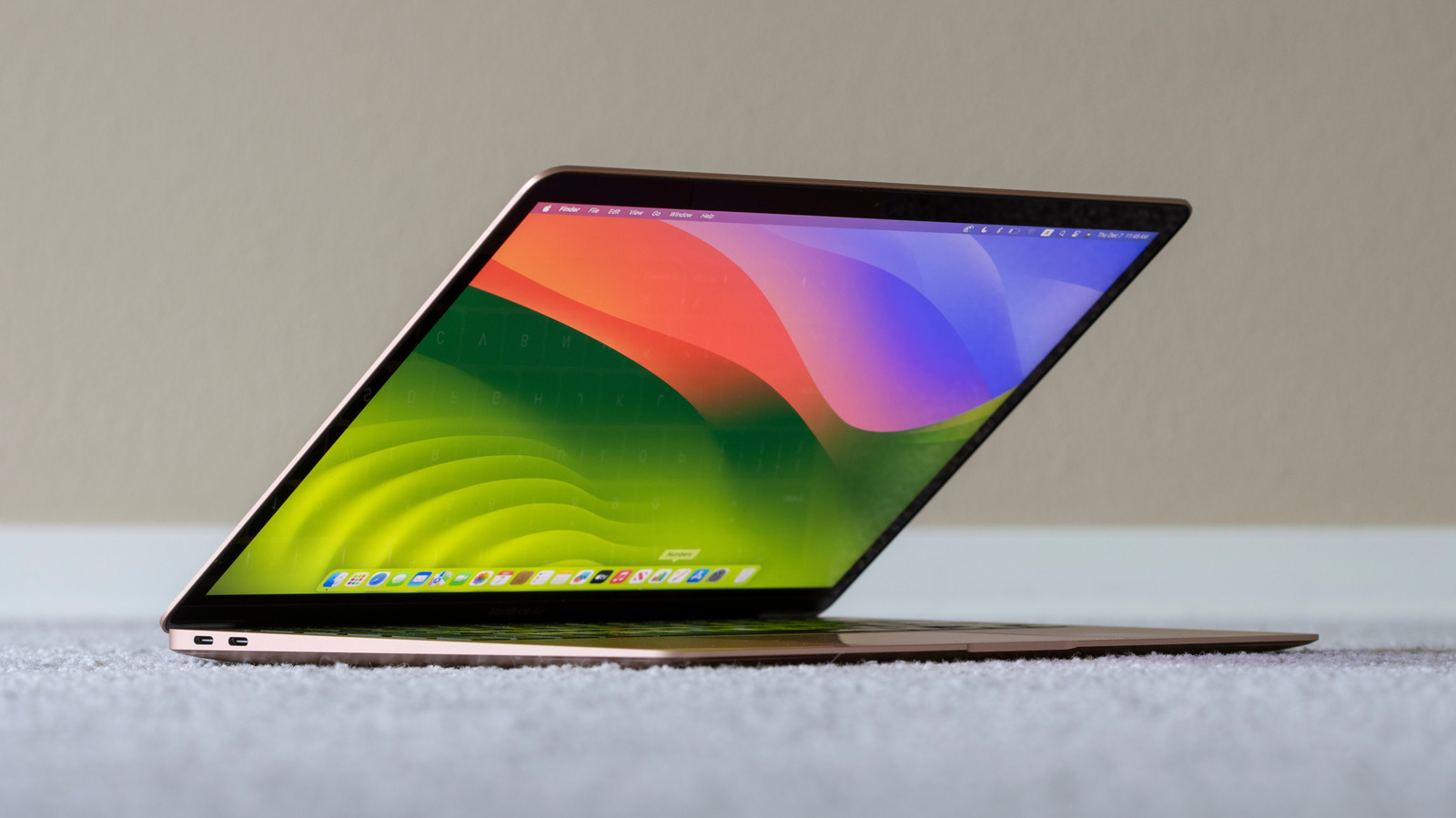
Although thin and lightweight laptops are celebrated for their portability and sleek design, there are notable trade-offs that consumers should consider. Models such as Apple’s MacBook Air have gained immense popularity, prompting various manufacturers to offer their own ultra-slim devices. However, the design constraints of these laptops often lead to compromises in performance and usability.
For potential buyers, especially first-time shoppers, it’s critical to evaluate these compromises to determine if they align with your computing needs. Understanding these limitations can guide you in deciding whether to pursue a thin laptop or opt for a more traditional model.
Limited Port Availability
One significant drawback of thin laptops is their restricted port selection. Due to space limitations in their compact design, manufacturers often opt to include only a minimal number of ports. For instance, the MacBook Air (M5) is equipped with merely two Thunderbolt 4 ports and a headphone jack. Similarly, the newer MacBook Neo features two USB-C ports along with a headphone jack.
In comparison, some Windows alternatives like the LG Gram 16 and Lenovo ThinkPad X1 Carbon offer a slightly better selection, including additional USB-A ports and an HDMI port. However, they still fall short of the comprehensive port options available in standard-sized laptops, which often include Ethernet ports and card readers.
This limitation means that users may need to invest in USB-C hubs or docking stations to accommodate their connectivity needs, further complicating their setup and requiring additional accessories for mobility.
Poor Thermal Management
Another issue prevalent in thin laptops is inadequate thermal management. The compact design often restricts the implementation of advanced cooling solutions, leading manufacturers to rely on basic cooling methods such as small fans. In some cases, models like the MacBook Air operate without a fan altogether.
This lack of effective cooling can cause processors to heat up significantly during demanding tasks, resulting in throttled performance to manage temperature. While external cooling pads may help lower the device’s exterior temperature, they do little to improve internal cooling.
For casual users performing basic tasks, this might not pose a significant challenge. However, individuals engaging in resource-intensive activities like video editing or gaming may frequently encounter performance limitations due to thermal throttling.
Battery Life Limitations
A further disadvantage of thin laptops is their comparatively smaller batteries, which are a result of limited internal space. This design leads to shorter battery life compared to conventional laptops. For example, while the Apple MacBook Air (M5) boasts a battery life of up to 18 hours, the MacBook Pro 14-inch (M5) can extend up to 24 hours, illustrating a notable difference.
Unfortunately, there are no aftermarket solutions to enhance battery capacity, leaving users with the option of frequently recharging their devices or carrying a portable power bank for additional power on the go.
Ergonomic Concerns
Ergonomics is yet another area where thin laptops may fall short. The reduced vertical space in these devices often results in shallow key travel, which can lead to finger fatigue during extended typing sessions. Users may also find that sharp edges on the laptop’s chassis can irritate the wrists while typing.
The heating issues associated with limited thermal management further exacerbate ergonomic challenges, as the keyboard area can become warm during prolonged use. While solutions such as laptop risers, cooling pads, or external keyboards can mitigate some discomfort, the inherent portability of thin laptops makes it cumbersome to carry these extras.









Discussion about this post