










The monitor might be the most important part of your Mac’s setup–after all, you can’t use any computer without one. Because you’ll spend a lot of time looking at it, you’ll want to invest wisely. Not only will you want a monitor that provides a pleasing experience, but the quality of the images on the screen can also affect your work.
However, picking a new monitor can be daunting. Not only are there lots of manufacturers to choose from, but there are also lots of sizes, resolutions, and features to consider–and when we say lots, we mean lots. We’re here to help guide you while you shop, and we have some tips on what to look for in a monitor.
Apple sells displays for its Macs, and you could go with its offerings, but its displays are a quite bit more expensive than what third parties have. Buying from a different company may mean you may not get a feature that Apple offers, but then it may also be a feature that you don’t need, depending on how you use the monitor. Note there are compatibility issues for M1 Macs. We have a guide to monitors for M1 Macs and what you need to know before buying.
Fortunately, there are plenty of companies that have great monitors that you can use with your Mac, without having to take out a second mortgage. Our sister publications TechAdvisor and PCWorld have tested several displays, and we list their top-rated ones that we have been able to confirm work with Macs, alongside the monitors we have reviewed below. Here are our recommendations in alphabetical order.
If you are looking for a deal on a new display check out our best Mac monitor deals.
Best Mac monitors: Recommendations
Acer K242HYL – Budget-friendly general-purpose monitor
Pros
- Attractive color accuracy and gamut
- Acceptable sharpness for a 1080p display
- Avoids motion clarity pitfalls
- Menu system is easy to use
Cons
- Barebones design
- No height adjustment on stand
- Only one HDMI, no DisplayPort
- Power LED is very bright
You’ll make some compromises for the price of this display, but it does a good job of hitting the features that matter most, with good image quality and motion response, as well as tossing in a few surprise extras like a 75Hz refresh rate.
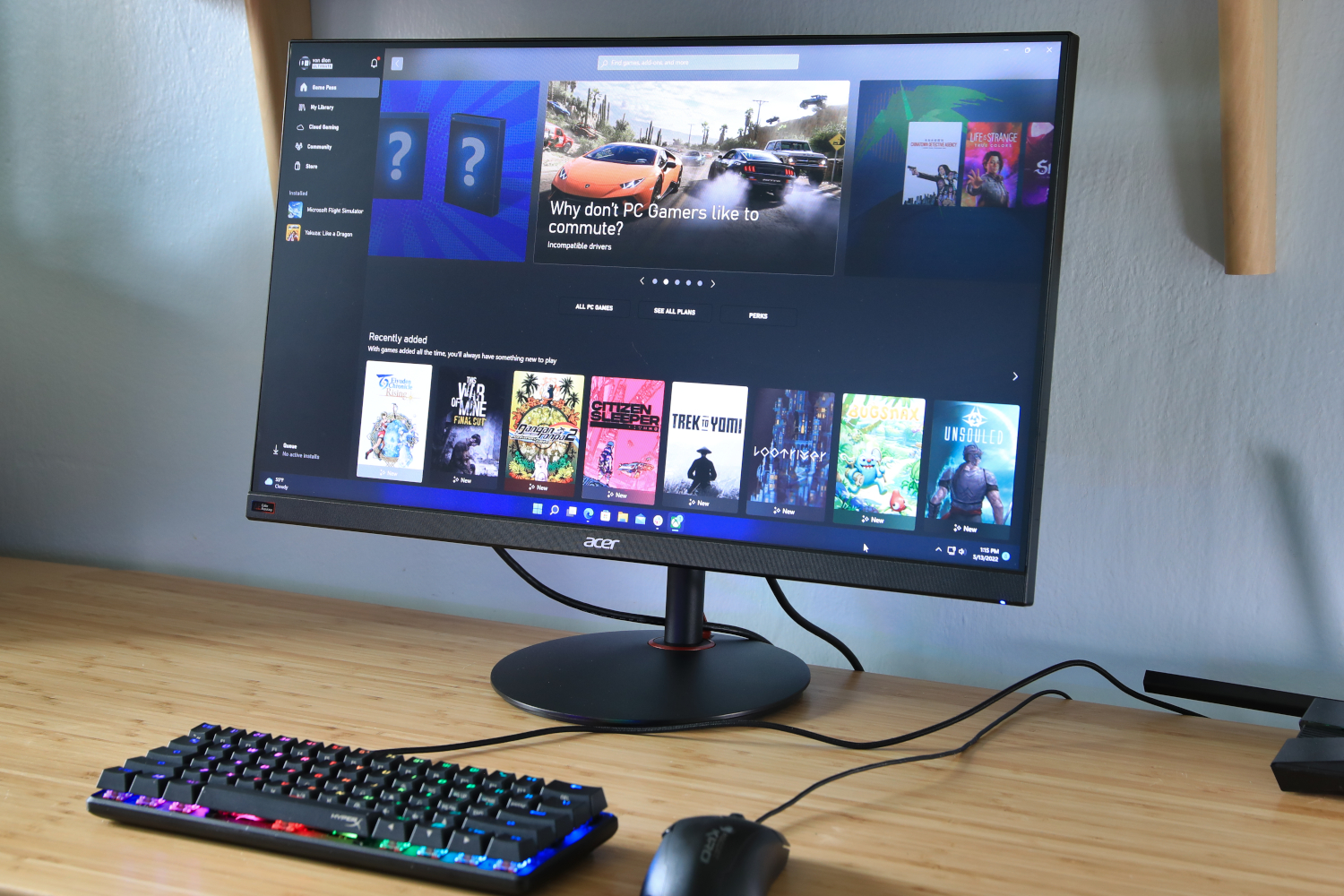
Acer Nitro XV272 – Color accuracy on a budget
Pros
- Very accurate color
- Great out-of-box image quality
- Good range of image adjustments
- Smooth, clear motion performance
Cons
- Expensive for a 1080p monitor
- Bland, basic design
- Modest SDR brightness
Acer’s Nitro XV272 costs more than a lot of 1080p monitors, but the IPS, 165Hz screen provides above-average image quality, excellent color accuracy and motion performance, and a full range of monitor-stand adjustments and a generous array of ports make it worth the cost.
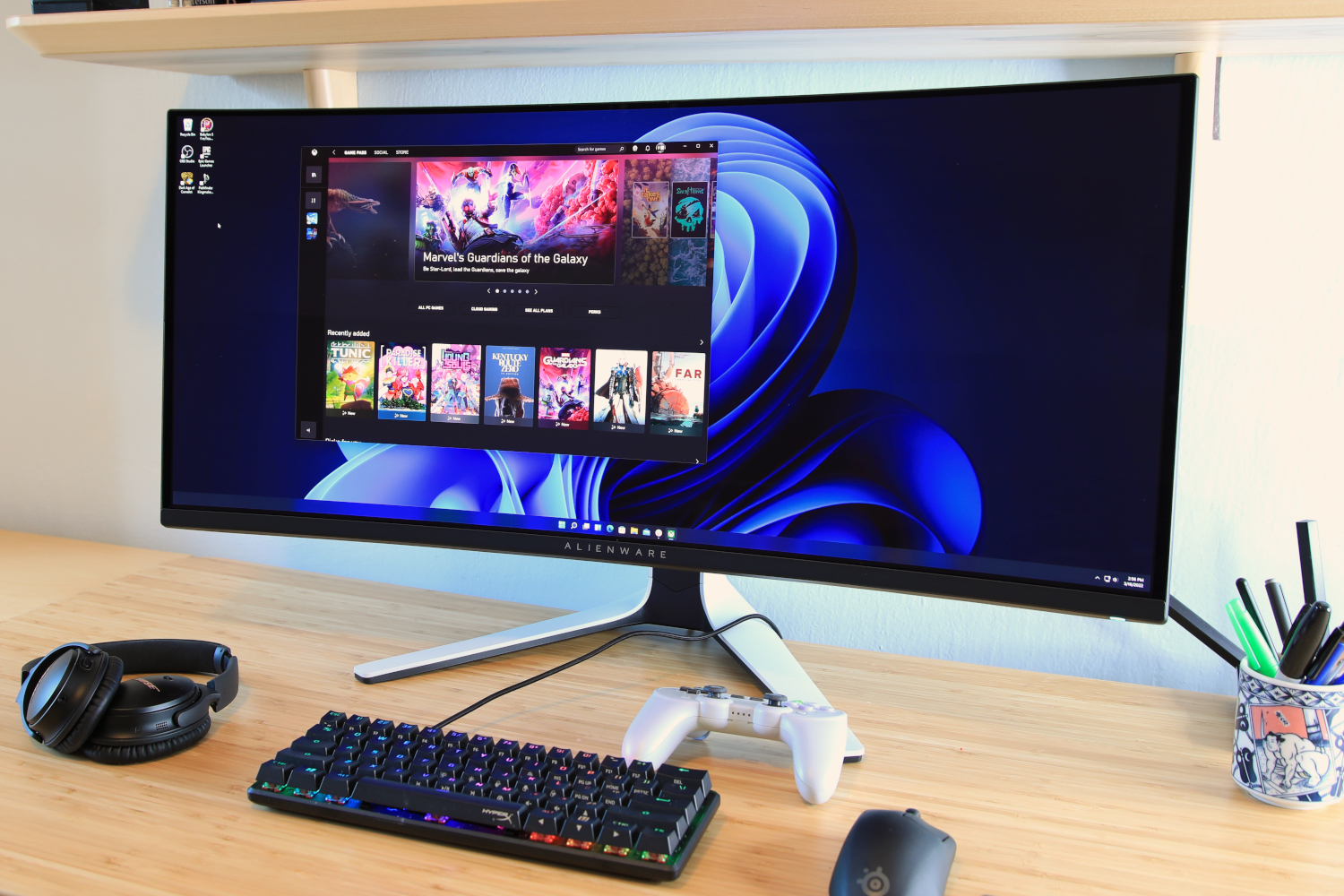
Alienware AW3423DW – Ultrawide with high refresh rate
Pros
- Class-leading contrast and black levels
- Excellent color accuracy and wide color gamut
- High refresh rate with crisp motion
- Attractive and sturdy design
- Fantastic warranty
Cons
- Stand is too large
- Disappointing connectivity
- HDR performance is mixed
- Text clarity could be better
The AW3423DW’s isn’t perfect, but the QD-OLED panel makes it a top-notch 34-inch ultrawide monitor.
Alogic Clarity 27in UHD 4K Monitor
Pros
- Impressive 4K 60Hz screen
- Fantastic adjustable stand
- Built-in USB hub
Cons
- 4K not 5K
- USB-C rather than Thunderbolt connection
- Hub doesn’t daisy-chain extra displays
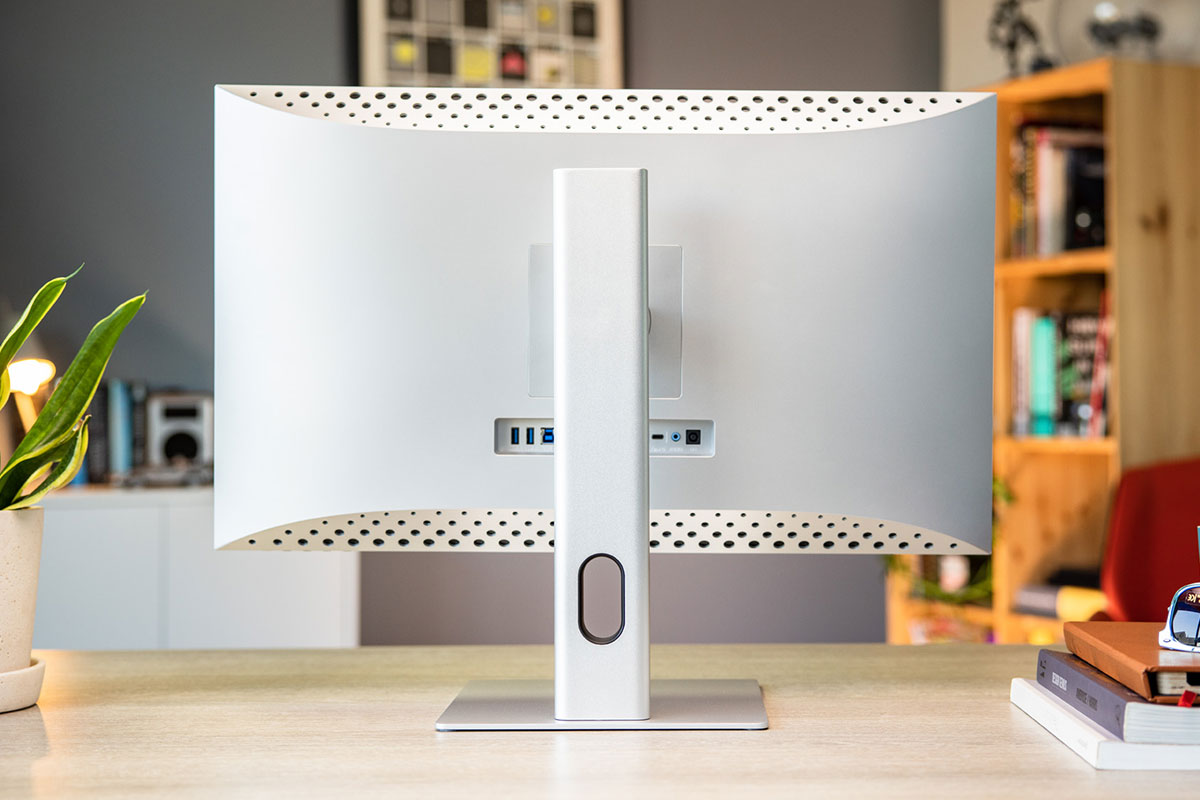
The Alogic Clarity is a stunning looking 27in display with built-in hub and a fantastic height-adjustable, tilt and pivot stand. It will appeal to Mac users with its Apple looks and is even, in some ways, a superior monitor to Apple’s own Studio Display, although its 4K resolution isn’t quite as sharp as Apple’s 5K screen.
Read our full
Alogic Clarity 27in UHD 4K Monitor review
Apple Studio Display – Apple’s ‘affordable’ production monitor
Pros
- Handsome design
- Good image quality
- Impressive spatial audio
- 12MP Ultra Wide camera with Center Stage
Cons
- High starting price and costly upgrades
- No HDR or ProMotion
- Changing stand after purchase requires a service call
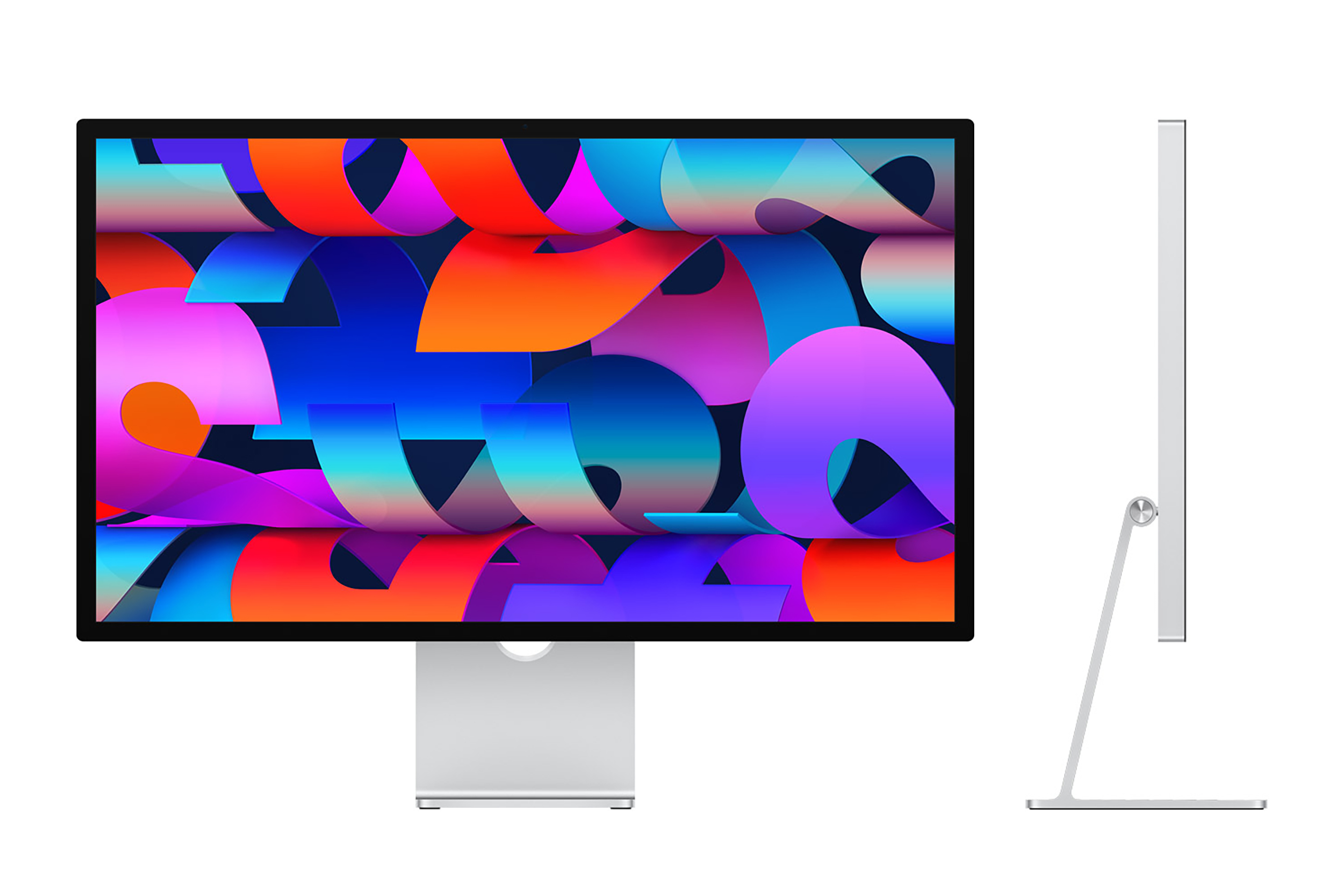
As a production display, the Studio Display is an affordable alternative to the Pro Display XDR. Buyers will enjoy its handsome design, good image quality, and impressive spatial audio.
Read our full
Studio Display review
Apple Pro Display XDR
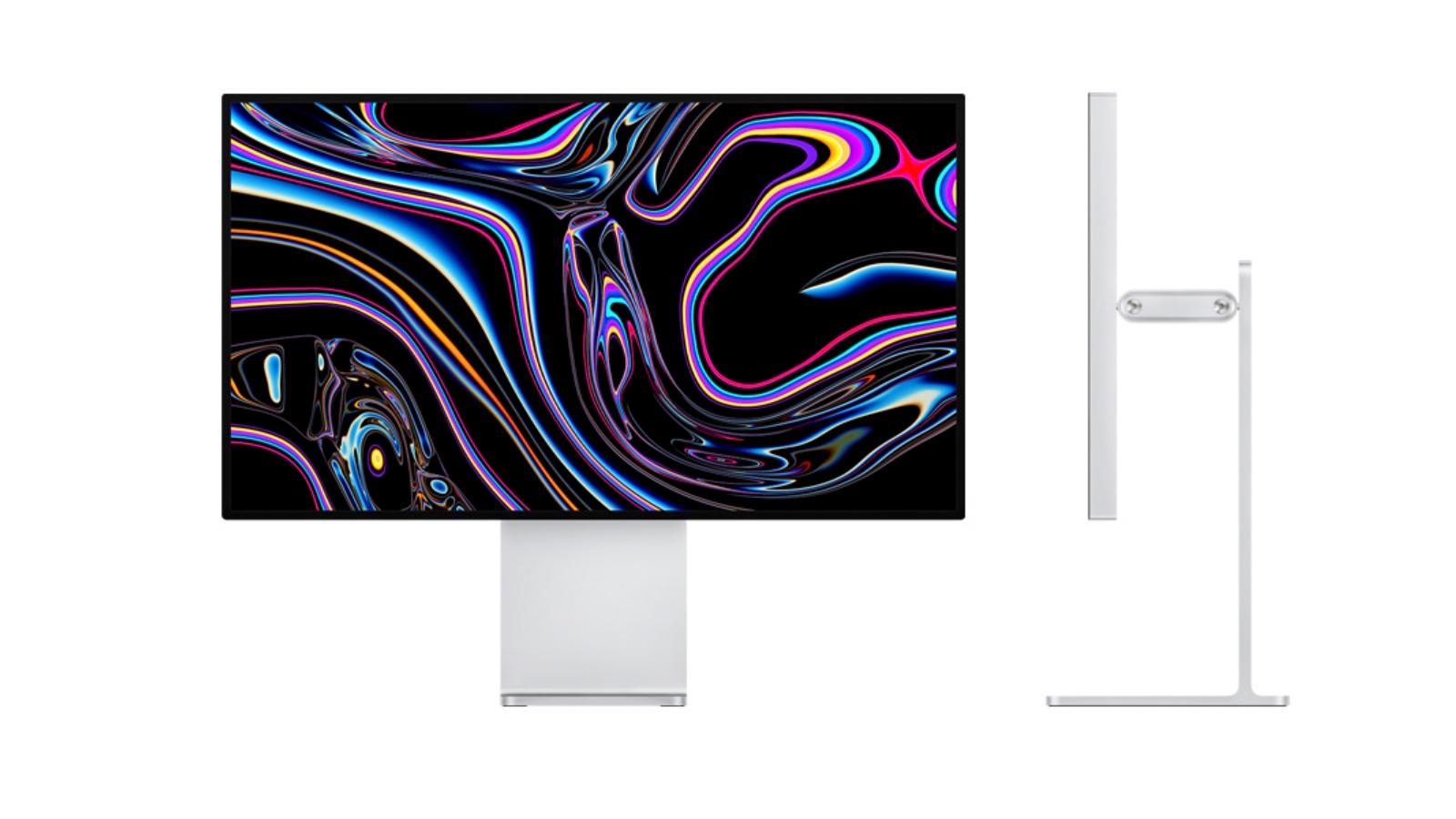
Pros
- Phenomenally well-specced
- Peak brightness of 1,600 nits, stunning picture quality
Cons
- Seriously expensive (but this isn’t a consumer display)
- Stand not included
MSRP:
$4,999 (standard), $5,999 (nano-texture glass)
Apple’s highly specced Pro Display XDR is a stunning piece of engineering, and we found it hard to find fault with the picture quality and colour output, but at that price and with these features this is a display for a very specific audience.
Read our full
Pro Display XDR review
Asus ProArt PA279CV – 4K for the budget-conscious
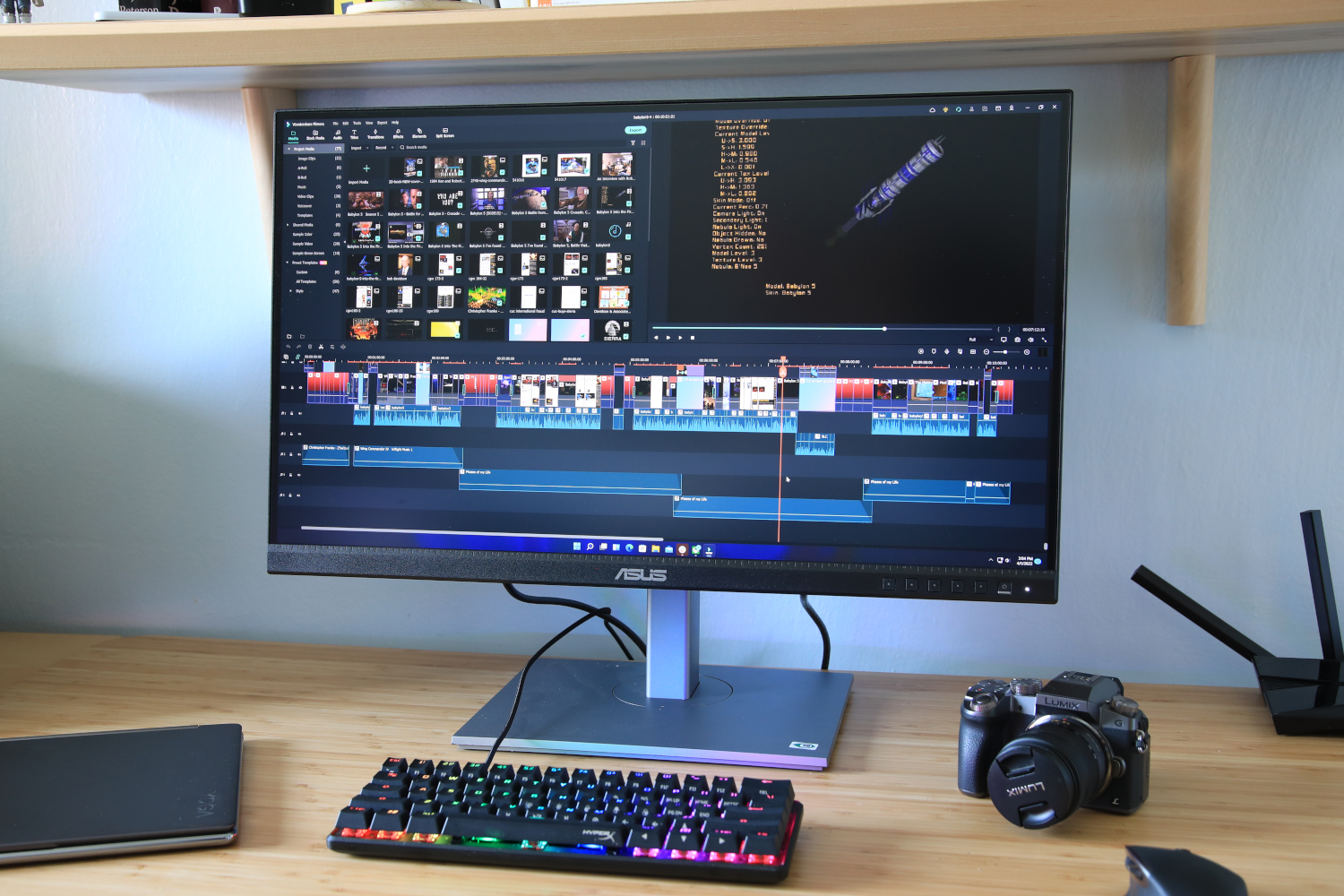
Pros
- Accurate image
- High maximum brightness
- Menu settings allow calibration
- Has USB-C with 65 watts Power Delivery
- Competitive price
Cons
- Unimpressive design
- Luminance uniformity could be better
- HDR is bright but otherwise falls short
The Asus ProArt PA279CV targets content creators with accurate image quality and expansive connectivity – and it hits the mark.
Dell Ultrasharp U2421E
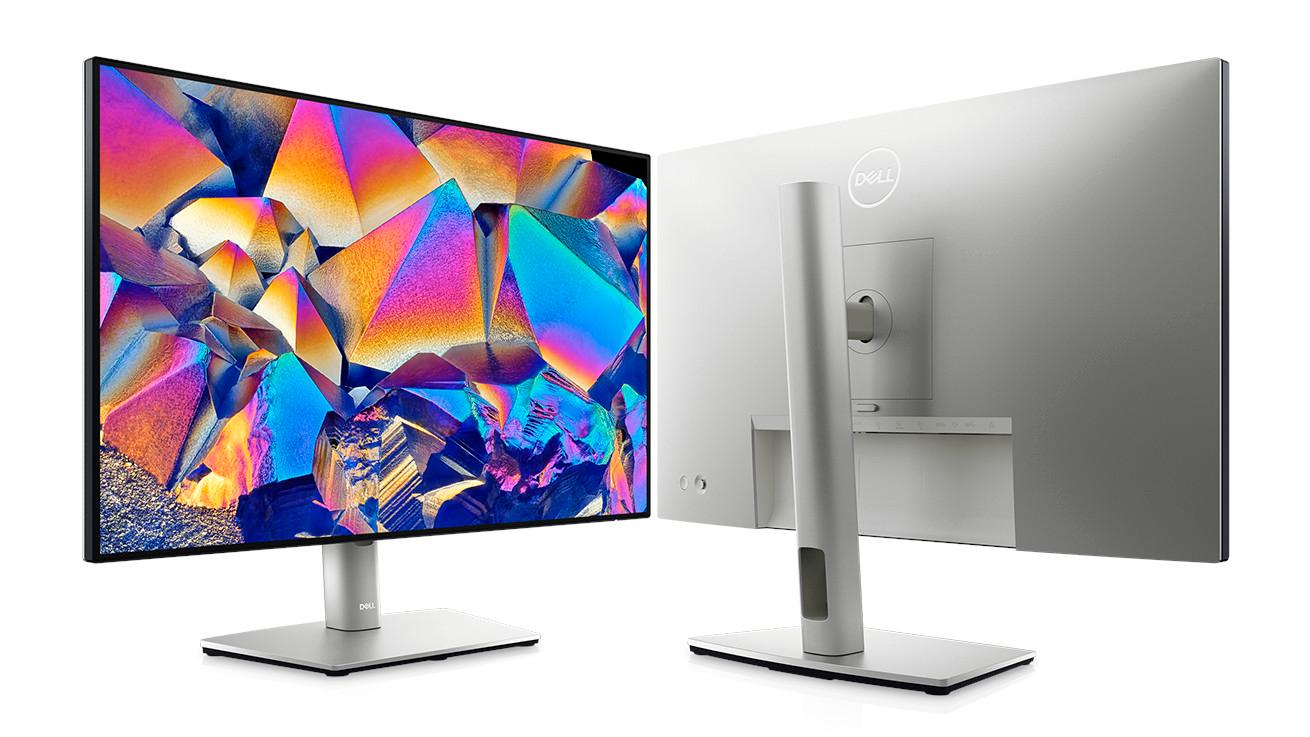
Pros
- USB docking station
- Versatile design
- Good quality display
Cons
- Limited brightness
- Weedy speakers
The Dell Ultrasharp U2421E is a slick design perfect for those with a USB-C charged laptop, as the docking station features are handy. The colour range is also good, but the price is too high for this resolution and size.
Dell U3223QE – Large-screen with 4K resolution
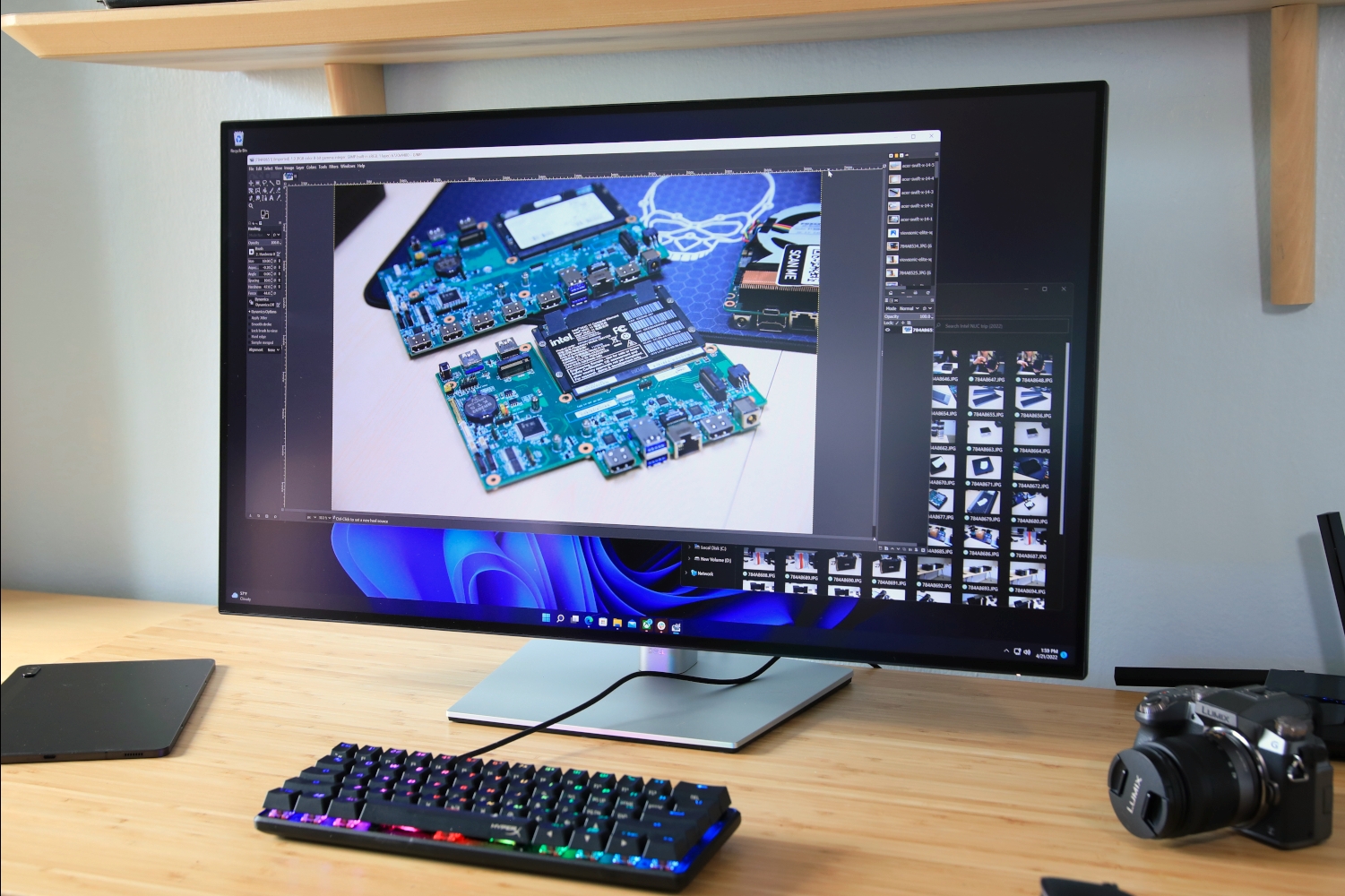
Pros
- IPS Black panel fulfills its promise
- Accurate color with wide gamut
- High brightness in SDR
- USB-C hub with 90 watts of power
Cons
- Edges of display are noticeably bright
- HDR performance disappoints
- Only a 60Hz panel
The Dell U3223QE uses LG’s IPS Black tech to deliver a top-notch, professional-level, 31.5-inch 4K display with a built-in USB-C hub.
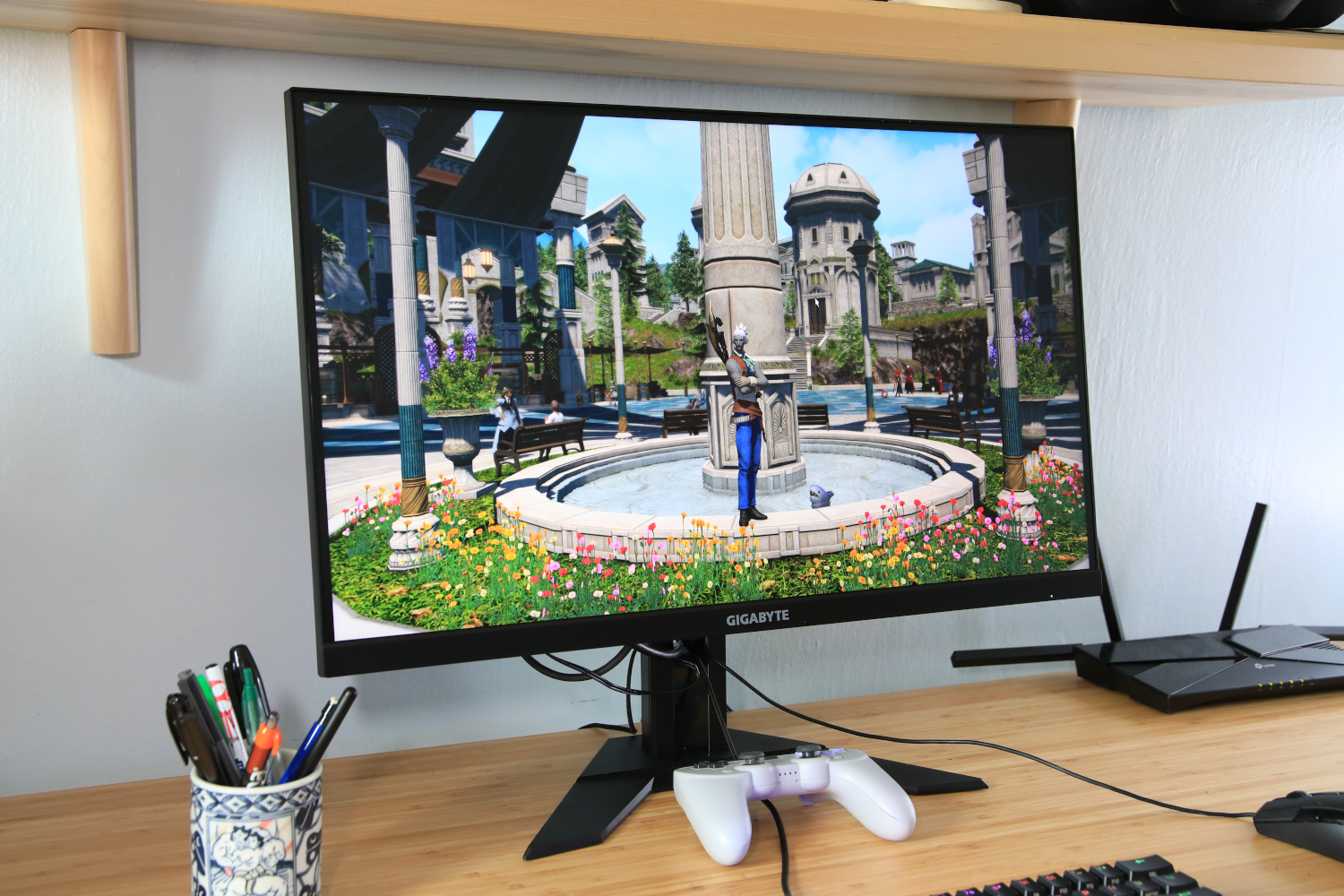
Gigabyte M27Q X – Affordable media monitor
Pros
- Massive color gamut and great color accuracy
- Excellent motion clarity at 240Hz
- Value pricing for a 1440p 240Hz monitor
Cons
- Unimpressive build quality
- Stand only adjusts for height and tilt
- KVM feature is not impressive
Gigabyte’s M27Q X doesn’t look like much out of the box, but this 1440p/240Hz IPS panel delivers a superb media experience where it counts, with excellent motion clarity and stunning image quality.
How to choose a Mac monitor
Display technology is a bit of a movable feast, with a lot of confusing jargon and technical features to wade through, as well as a variety of different interfaces and cables that are used by Apple itself and the various monitor manufacturers. So it’s worth taking a closer look at some of the factors that you need to think about when buying a monitor for your Mac.
Screen size
Size isn’t everything, as the saying goes, but it’s a good place to start. Your decision will be influenced by how much desk space you have, and how comfortable you are while using the display. Some people think that a big screen is best, but then when they start to use it daily, they find that it’s too big. And the same goes for customers who think a small screen is best.
If you’re looking for a size to start with for your own personal research, we recommend 24 inches. That seems like a good size for most people, and it’s easy to go up or down from that point. Most people tend to go between 24 and 27 inches for home use.
For professionals–graphics, video, audio, even spreadsheets–a large screen will help you be more productive. Think 27 inches and higher. You’ll be able to fit more elements on the screen and not waste your time scrolling.
If on-screen real estate is valuable to you, consider a multi-display setup. A smaller screen can be used for things like chat, email, web, and more, while the bigger screen is your main workspace. Or get screens of the same size and maximize the space.
Screen resolution
Screen resolution can go hand-in-hand with screen size. Screen resolution refers to the number of pixels used to create what you see on the screen. The higher the resolution, the more detail you can see. Larger displays tend to have more resolution options, as well as the ability to support higher resolutions.
Often, when you find two displays that are the same size but have a wide price difference, it’s mostly because of the screen resolution. Monitors with high resolutions are more expensive. For example, Apple’s $1,599 Studio Display is 27 inches, and it has a high screen resolution of 5120×2880 (5K resolution). On the other hand, LG sells the 27-inch 27UK650-W, but it’s a 3840×2160 (4K) resolution display for content creators, and it’s $350–lower resolution, but $1,249 cheaper. (There actually aren’t other 27-inch 5K monitors available, except for the $1,449 LG UltraFine 27MD5KL-B.)
So what screen resolution should you get? Here are some suggestions; these are guidelines that you can adjust based on your preferences.
- For general purpose use, such as web browsing, email, media viewing, small photo and video projects and viewing: 1920×1080 or 2560×1440
- For more-involved content creation, productivity, and media viewing: 2560×1440 or 4K
- For pro-level content creation, productivity, and media viewing: 4K or higher
Connecting to a Mac
How a monitor connects to a Mac can be confusing. The traditional HDMI and DisplayPort connectors used by many monitors are being replaced–or complemented–by USB-C and Thunderbolt ports. And though USB-C and Thunderbolt cables may look the same, there are actually some important technical differences between them, so it’s important to check which ports your new monitor uses and make sure you buy the correct cables and adapters.
Most recent Mac models have Thunderbolt ports, so if you buy a monitor that has HDMI or DisplayPort interfaces only, then you’ll need an adapter to connect to the Mac. This can get a bit confusing, but Apple does provide a list of the ports included on most recent Mac models so that you can figure out what you need.
Apple also provides a guide to HDMI and DisplayPort technology, which covers Mac models going right back to 2008, so that should provide all the info you need for all the Macs you use at home or at work. Less expensive monitors still tend to use HDMI and DisplayPort, and while it’s not too costly to buy adapters that will allow you to connect your Mac, we reckon it’s worth future-proofing your new monitor by getting one that includes at least one USB-C or Thunderbolt port.
If a display uses Thunderbolt to connect to the Mac, it may have additional USB-C or Thunderbolt ports so the display can act as a hub. In this case, If you have a device you want to connect to your Mac, you can connect it to one of the ports on the monitor, which is already connected to the Mac and probably in an easier location for access.
Read our article on how to connect a second screen to a Mac which explains everything you need to know about how to identify which ports you have, the adapters you will require, and how to set things up.
Ergonomics
If you’re going to spend a lot of time sitting at a desk looking at your lovely new display then you need to keep ergonomics in mind. The ability to tilt the angle of the monitor back and forth, swivel it around for easy viewing, and adjust the height of the monitor in order to avoid an aching back or neck.
As a rough guide, there is a point at about 2 to 3 inches from the top of the screen that should be at eye level. Obviously, eye level varies from one person to another, so it’s important that you can adjust the screen for your own personal comfort. You may also prefer a monitor that doesn’t suffer from glare, or you will be forever repositioning the monitor (or your head) to compensate for that.
Other considerations
There are other considerations you’ll want to make when shopping for a monitor. A lot of these come down to personal preference or what you need for the work you do. They include:
- Color space (gamut): The number of colors a monitor can show. Professionals need specific color spaces.
- Refresh rate: The frequency when a screen is refreshed. Higher rates produce smoother animations.
- Webcam: Some displays have a built-in camera you can use for FaceTime and other video conferencing apps, or to record yourself.
- Speakers: If you plan on frequently viewing or listening to media, a good set of speakers makes for a better experience.
Cliff Joseph contributed to this article.










Discussion about this post