









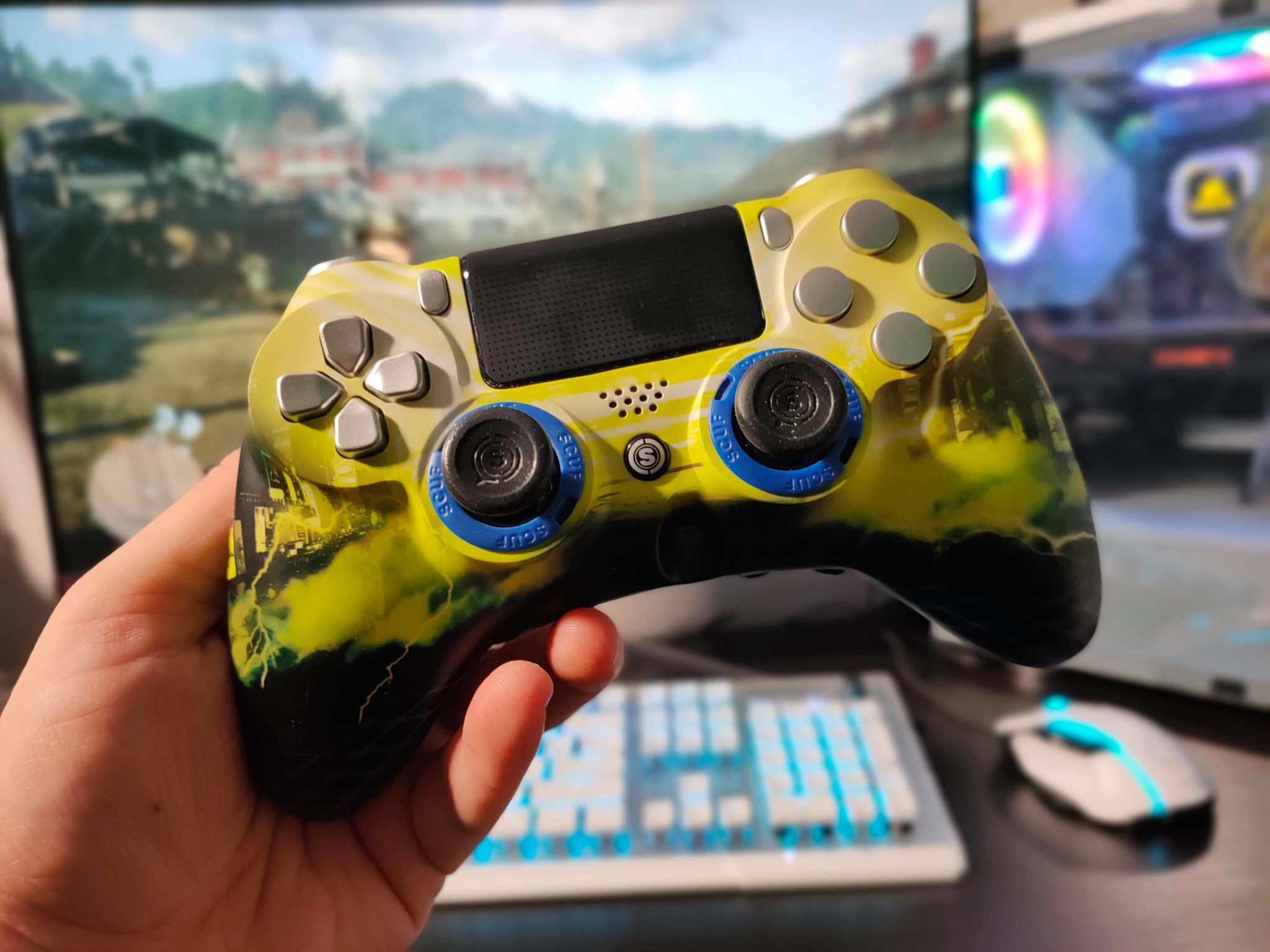
Preparing for the Transition from Console to PC Gaming
When transitioning from console gaming to a PC setup, it’s essential to consider a few key factors, particularly in-game purchases and account details. Before making the switch, ensure you check your save files, settings, and the status of any in-game assets, including skins and currency balances.
Can You Transfer Your Skins and Progress?
Fortnite and Call of Duty both facilitate cross-platform play, allowing gamers to share their purchases and progress across various devices linked to the same Epic Games or Activision account. When transitioning, ensure that your accounts are correctly connected; creating a new account won’t transfer existing progress from your console.
Is V-Bucks Transferable Between Platforms?
Fortnite offers a Shared Wallet system for V-Bucks, enabling players to utilize their currency across multiple devices. However, purchases made on the Nintendo Switch are not interchangeable and remain exclusive to that platform. Here’s how V-Bucks work across different platforms:
- PlayStation, Xbox, and PC: V-Bucks purchased on these platforms are shareable through the same Epic Games account.
- Nintendo Switch: Any V-Bucks acquired on the Switch will not be accessible from other platforms.
- Earned V-Bucks: V-Bucks gained through Fortnite Passes, Quest Packs, and Save the World mode are unified across platforms.
While V-Bucks have specific transfer restrictions, cosmetic items purchased using V-Bucks are fully transferable to any linked device. Additionally, players in Korea should note that their V-Bucks acquired on PC are not shared with other platforms.
Can Console COD Points be Utilized on PC?
In Call of Duty, COD Points do not transfer between platforms. Any points bought or earned in Warzone will remain tied to the original platform. Exceptions exist for Xbox users; COD Points linked to an Xbox account may be utilized across Xbox Cloud Gaming and Game Pass on PC for titles like Black Ops 7.
While eligible items purchased using COD Points can be shared across linked accounts, certain platform-specific exclusives may not be transferable. Purchases made with real money will adhere to their own platform-specific policies.
Essential Checks Before Making a Top-Up
When considering a top-up for either Fortnite V-Bucks or COD Points, start by confirming the platform you will be using for gaming. It’s crucial to know where the currency will be credited before choosing a package.
Marketplace platforms such as PlayerAuctions provide detailed information on the amounts available for Fortnite and COD top-ups, including platform designations and delivery details. Be mindful that some offers may be labeled as Manual Top-Up, meaning not all purchases come with readily redeemable codes.
Before finalizing a purchase, ensure to verify the following:
- Platform and Storefront: Confirm where the currency will be applied.
- Region: Be aware of any geographical restrictions, especially for V-Bucks gift cards, which must match your Epic account’s country.
- Delivery Requirements: Understand the delivery method and time expectations for your purchase.









Discussion about this post