









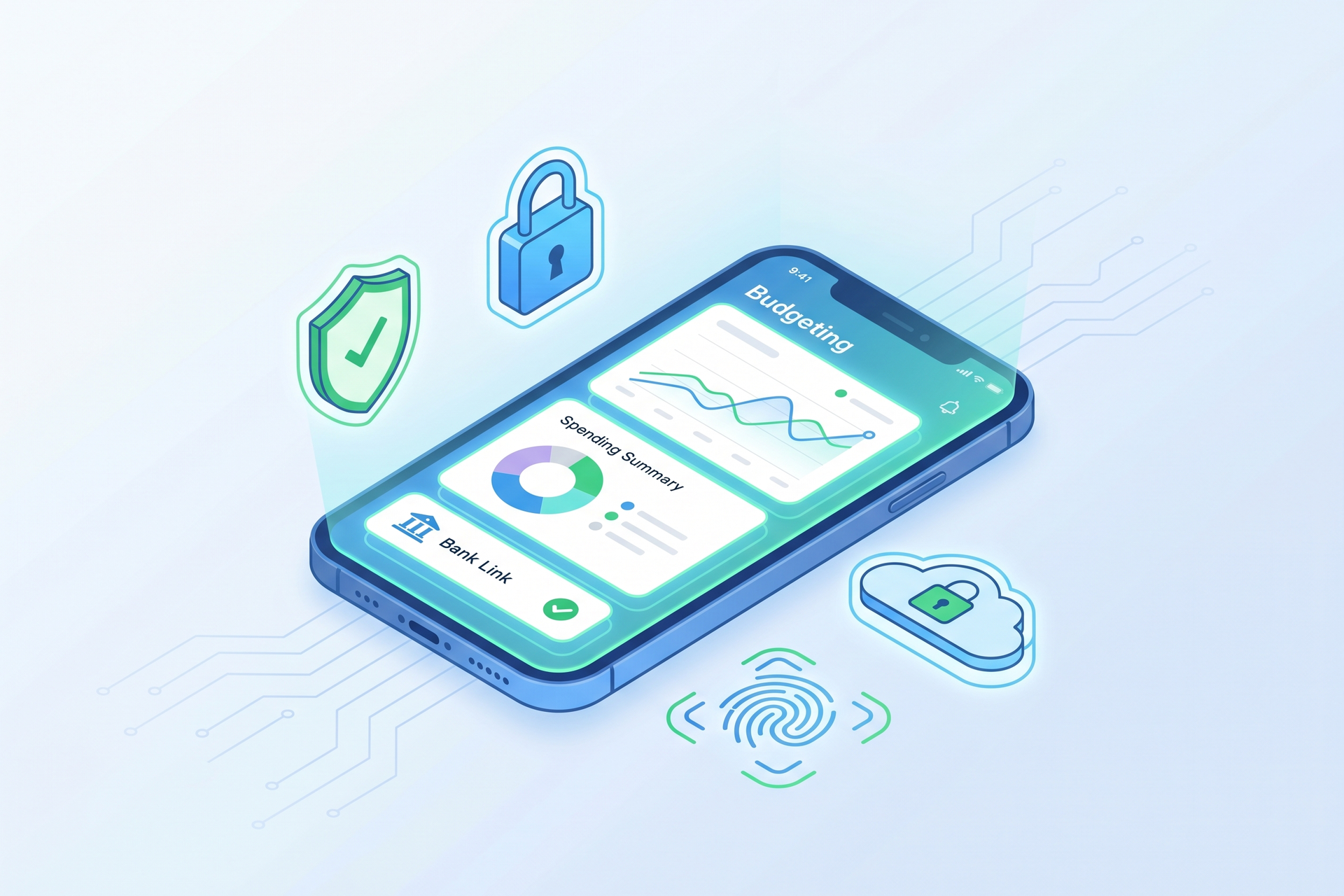
Budgeting applications typically require linking to your financial accounts to monitor spending and assist in managing finances. This level of access can understandably lead to security apprehensions among users.
Fortunately, reputable budgeting apps employ robust security measures to protect user data, including bank-level encryption and rigorous data retention policies. However, users should acknowledge that no digital service is entirely without risk.
This article explores the security mechanisms of budgeting apps and offers guidance on how to use them safely.
Understanding the Security Framework of Budgeting Apps
Upon user consent, budgeting apps typically establish connections to banks and other financial accounts to access transaction data. Instead of direct connections, these apps often utilize third-party aggregators like Plaid, which serve as intermediaries between the user’s bank and the app.
When linking an account, users log in through a secure interface where the aggregator verifies credentials without disclosing them to the budgeting app. This design allows the app to access transaction data while preventing full banking access.
“This model has withstood scrutiny from millions of users, demonstrating its reliability,” states Scott Jones, a financial advisor and founder of Genesis Wealth Advisor Group, LLC. “When families inquire about the safety of linking accounts, my candid response is that it is generally safe, provided they use established applications.”
This process grants the budgeting app “read-only” access, allowing it to view transactions without the ability to execute transactions like withdrawals or transfers.
Data Protection Strategies Employed by Budgeting Apps
Budgeting applications implement several security layers to safeguard user information. Key practices include:
Encryption
Numerous budgeting apps utilize encryption standards comparable to those used in mobile banking. This process encodes data into an unreadable format during transmission and storage, with only a unique digital key capable of decoding it.
Read-only Access
When linking financial accounts, budgeting apps typically receive read-only access, allowing them to view transactions and account balances while prohibiting transaction initiation. Even if a hacker gains access to the budgeting app, they would be unable to withdraw funds from the linked accounts.
Secure Authentication
Users will likely encounter secure login methods requiring identity verification prior to account access. Many applications implement multi-factor authentication (MFA), which necessitates additional confirmation through an authentication app or a code sent via text.
The app may also monitor for unusual activity, notifying users of any login attempts from unfamiliar locations or devices, thereby enhancing security against unauthorized access.
Third-party Security Providers
Many budgeting apps partner with established third-party security providers to fortify user data protection. These providers adhere to stringent encryption and compliance guidelines to ensure data security.
Assessing the Safety of Linking Bank Accounts to Budgeting Apps
Linking a bank account to a budgeting app is typically safe, provided the app in question is reputable and adheres to strict security protocols. Established budgeting applications generally employ the same high-level security measures as other financial tools, including mobile banking apps and investment platforms. Users should exercise caution and avoid linking accounts to unfamiliar or unproven services.
User behavior significantly influences security. Implementing multi-factor authentication, protecting login credentials, and only accessing accounts through secure Wi-Fi networks are effective strategies to enhance security.
Potential Risks to Consider
Despite advanced security measures, risks still exist in online financial management. Notable risks include:
- Data Breaches: Budgeting apps and financial aggregators can be attractive targets for cybercriminals. A data breach could expose sensitive information.
- Phishing Attempts: Be vigilant against phishing scams designed to obtain financial details, often disguised as official communications from budgeting apps or through fraudulent login pages.
- Imitation Apps: Remain cautious of counterfeit applications that mimic reputable services. Always ensure you download the official app.
- Weak Passwords: Employing weak or reused passwords across multiple accounts increases vulnerability to fraud and identity theft.
- Excessive Permissions: Some apps may request access to more personal data than users are comfortable sharing. Always review what data the app can access before linking accounts.
Best Practices for Safe Use of Budgeting Apps
To minimize risks and enhance the safe use of budgeting applications, consider the following steps:
- Create Strong, Unique Passwords: Develop complex passwords that combine numbers, symbols, and both uppercase and lowercase letters. Avoid reusing passwords across multiple accounts.
- Enable Multi-Factor Authentication: Activate MFA when available to add an extra layer of security to your account.
- Use Reputable Applications: Opt for well-known budgeting apps with established security practices.
- Avoid Public Wi-Fi: Accessing accounts over public networks increases the risk of data theft.
- Regularly Review Permissions: Periodically check the permissions granted to apps and revoke access for any that are no longer in use.
- Keep Apps Updated: Ensure that your apps and device software are current, as outdated technology can be more susceptible to security vulnerabilities.
“The practice of reusing credentials, such as using the same password for both your budgeting app and your bank account, is a significant factor in causing financial losses,” warns financial advisor Jones.
Identifying Secure Budgeting Apps
Before linking accounts to a budgeting app, look for indicators that demonstrate the app’s commitment to user security. Consider the following:
- Clear Privacy Policy: The app should provide a comprehensive privacy policy outlining how it collects and utilizes user data.
- Transparent Data Practices: The app should clarify whether it shares user data with third parties and the rationale behind such sharing.
- Security Features: Look for applications that implement security measures like encryption, MFA, and alerts for suspicious activities.
- Established Reputation: Favor applications that have garnered positive reviews and recognition over new, untested options.
“Seek out a privacy policy that explicitly states whether your data is sold or shared,” advises Jones. “If the policy lacks clarity, it’s usually a red flag.”
Conclusion
It is both reasonable and essential to exercise caution when sharing sensitive financial information with third parties; however, budgeting apps can be safe to use if you select a reputable provider and adhere to recommended security practices.
Reputable apps implement similar safety measures as mobile banking applications, including encryption and secure authentication processes. Generally, they possess only read-only access to your accounts, limiting their ability to perform transactions.
Nonetheless, no app is entirely devoid of risk, particularly if weak passwords are utilized, unverified apps are downloaded, or phishing attacks are encountered. By following straightforward precautions, users can safeguard their information while fully leveraging the benefits of budgeting applications.
Frequently Asked Questions
Is it safe to connect your bank account to a budgeting app?
Connecting your bank account to a budgeting app is generally safe if you use a reputable app with strong security measures. Budgeting apps typically have read-only access to your accounts, allowing them to view transactions and balances without the capability to initiate transfers or withdrawals.
Can budgeting apps steal your money?
Legitimate budgeting apps cannot steal your money due to their read-only access to accounts. However, no app is entirely risk-free; personal information could be compromised in the event of a data breach or account hacking.
What is the safest budgeting app?
The safest budgeting applications are those that are well-established, incorporating robust security features such as encryption, MFA, and transparent privacy policies.
Do budgeting apps sell your data?
Some budgeting apps may sell anonymized user data to third-party advertisers or data aggregators, often to display targeted advertisements. Review the app’s privacy policy to understand its data handling practices.
Are free budgeting apps safe?
Many free budgeting apps are safe to use, but it is crucial to examine their security practices and user reputation before signing up.
Reporting by Rebecca Safier, Special to USA TODAY / USA TODAY Network via Reuters Connect








Discussion about this post