









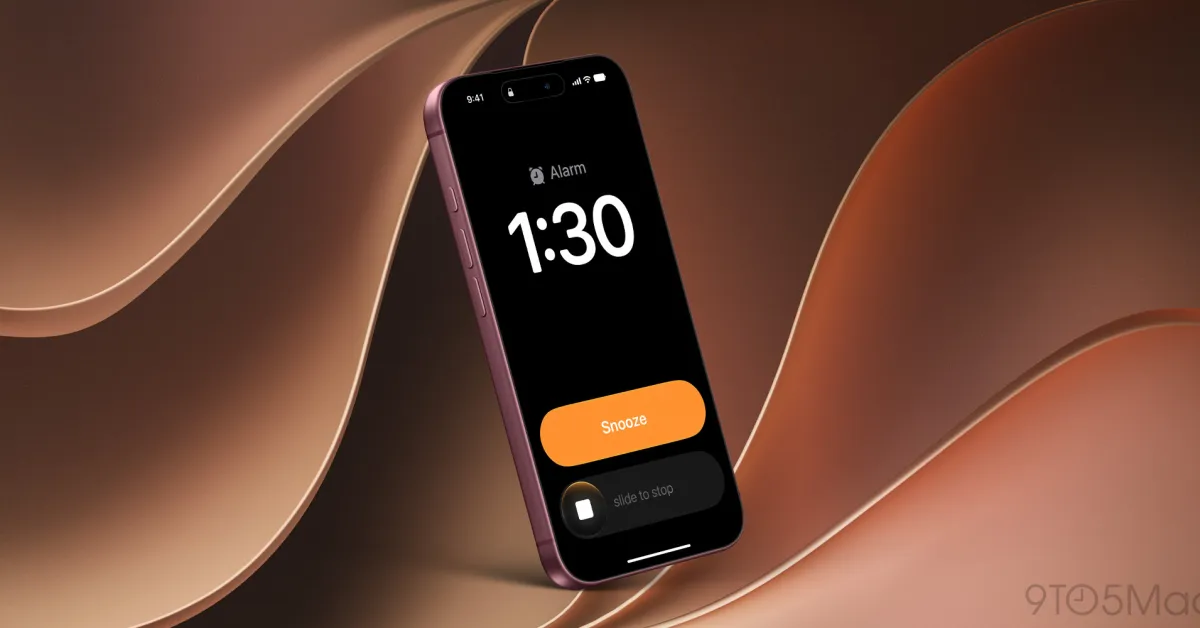
Apple’s iOS 27 introduces a significant enhancement to the alarm function on iPhones, featuring a dedicated volume setting that operates independently from other system volume controls. This innovation aims to ensure that users never miss an alarm due to low volume settings again.
New Alarm Volume Setting in iOS 27
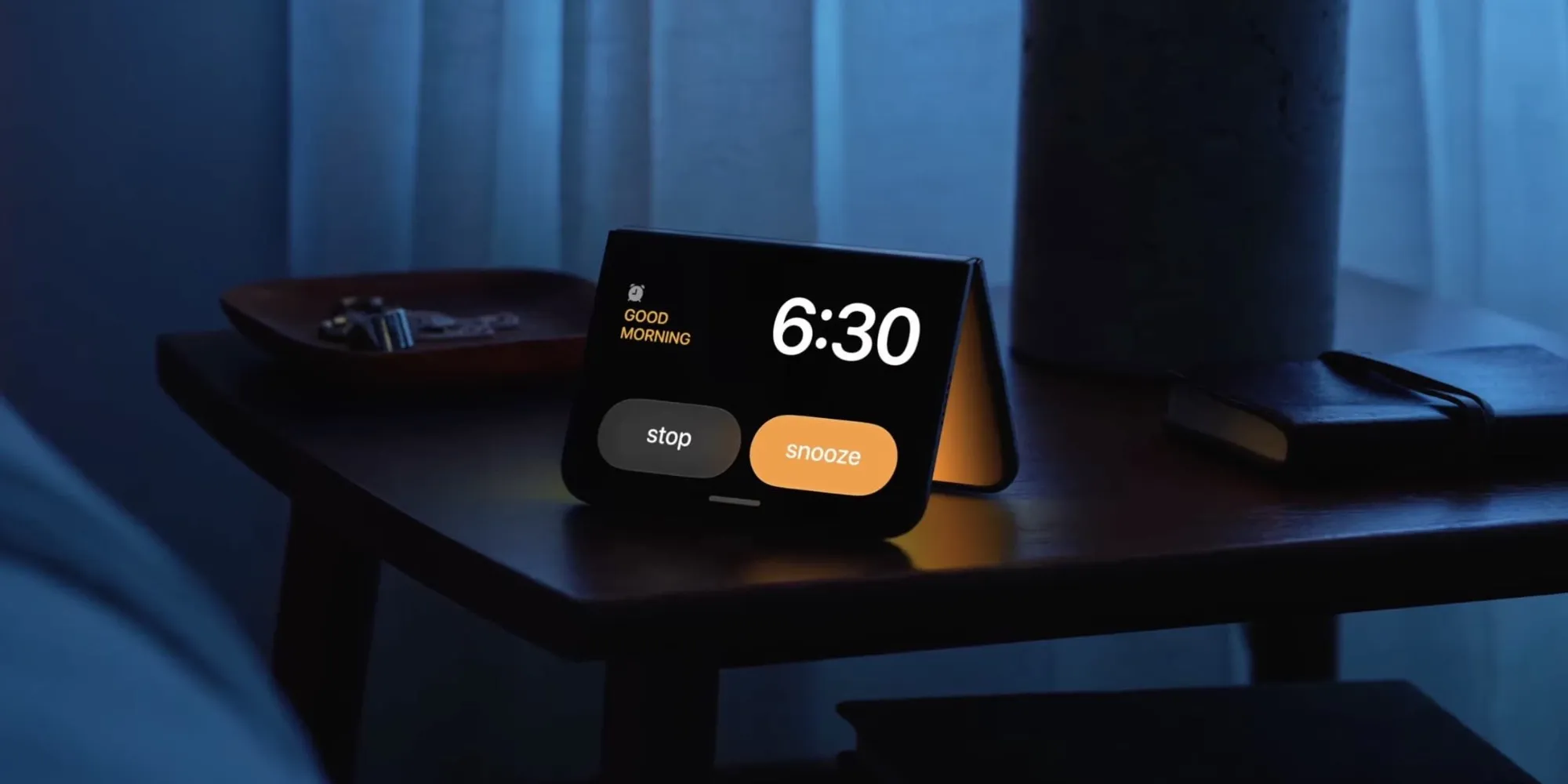
Many individuals have experienced the frustration of sleeping through an alarm due to insufficient volume. A frequent cause of this issue is the alarm volume being set too low, which is now addressed in iOS 27.
This latest update allows users to manually adjust alarm volume settings within the Settings app, specifically under Sounds & Haptics. Users can now set an alarm volume that is distinct from the general ringtone volume, providing a tailored experience for waking up.
The Settings menu in iOS 27 now features two new sections: Alarms and Timers, and Alerts and System Sounds. By default, both sections have a toggle titled ‘Match Ringtone Volume’ enabled. This means that alarms, timers, alerts, and other system sounds will rely on the same volume settings as the ringtone.
However, by disabling the toggle for Alarms and Timers, users gain access to a dedicated volume slider. This allows for adjusting alarm volumes independently, ensuring that they can be set to a higher level without affecting other system notifications.
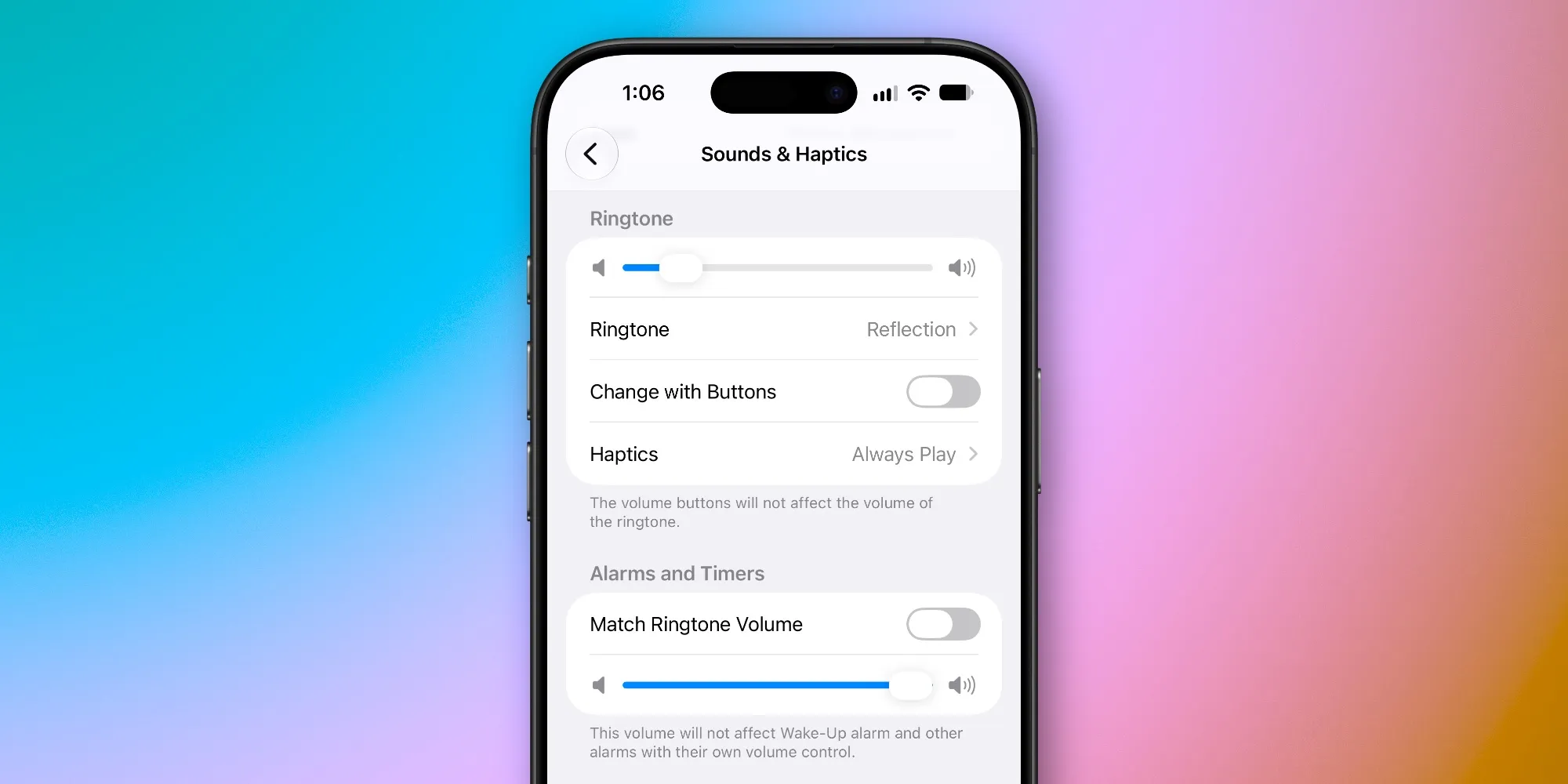
This new feature empowers users to maximize the alarm volume while keeping other system sounds, like notifications and phone calls, at a more moderate level. Thus, the risk of oversleeping due to a quiet alarm is significantly reduced.
In addition to this alarm enhancement, iOS 26 previously introduced features that allow users to customize snooze durations and enable alarms on their iPhones even when wearing an Apple Watch.
Will you be utilizing the new custom volume setting for alarms in iOS 27? Share your thoughts in the comments section below.
Exploring Recommended iPhone Accessories


FTC: We use income earning auto affiliate links. More.










Discussion about this post