










Posted by the Android Developers Team
If you caught yesterday’s
Made by Google event, then you saw the latest devices in
the Pixel portfolio. Besides the Pixel 7 and Pixel 7 Pro phones, we wanted to showcase two of
the latest form factors: the Google Pixel Tablet1 (Google’s brand
new tablet, coming in 2023), and the latest device powered with Wear OS by
Google: the Google Pixel Watch! As consumers begin to
preorder the watch, it’s an especially great time to prepare your app so it looks great on all
of the new watches that consumers will get their hands on over the holidays.
Discover the latest updates to Wear OS, how apps like yours are upgrading
their experiences, and how you can get started building a beautiful, efficient
Wear OS app.
Here’s What’s New in Wear OS
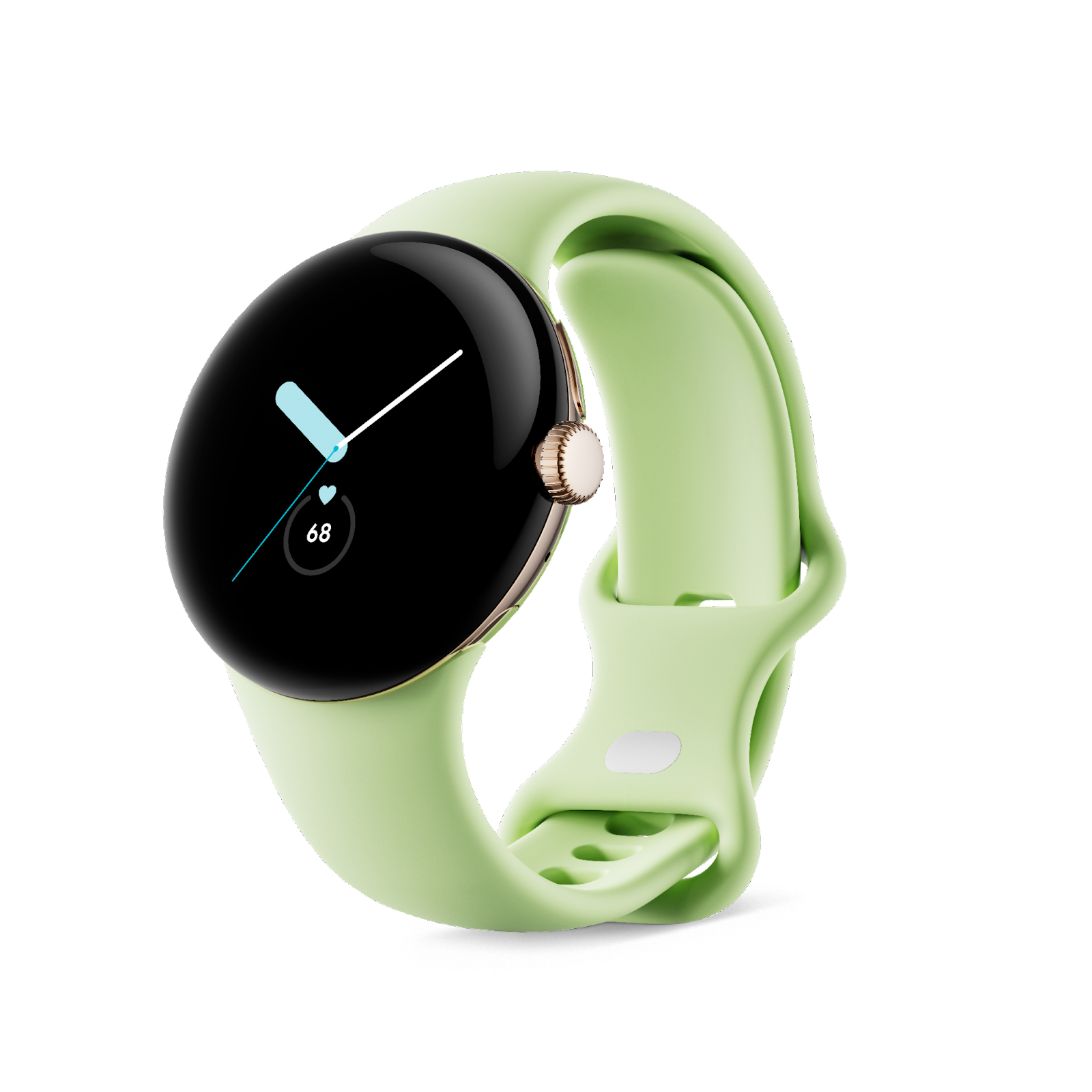
The Google Pixel Watch is built on Wear OS and includes the latest updates to
the platform, Wear OS 3.5. This version of Wear OS is also available on
some of your other favorite Wear OS devices! The new Wear OS experience
is designed to feel fluid and easy to navigate, bringing users the information
they need with a tap, swipe, or voice command. With a refreshed UI and rich
notifications, your users can see even more at a glance.
To take advantage of building on top of all of these new features, earlier
this year we released
Compose for Wear OS, our modern
declarative
UI toolkit designed to help you get your app running with fewer development
hours – and fewer lines of code. It’s built from the bottom up with Kotlin,
and it moved to
1.0
earlier this year, meaning the API is stable and ready for you to get
building. Here’s what’s in the 1.0 release:
-
Material: The Compose Material catalog for Wear OS already
offers more components than are available with View-based layouts. The
components follow material styling and also implement material theming,
which allows you to customize the design for your brand. -
Declarative: Compose for Wear OS leverages Modern Android
Development and works seamlessly with other Jetpack libraries. Compose-based
UIs in most cases result in less code and accelerate the development process
as a whole. -
Interoperable: If you have an existing Wear OS app with a
large View-based codebase, it’s possible to gradually adopt Compose for Wear
OS by using the Compose Interoperability APIs rather than having to rewrite
the whole codebase. -
Handles different watch shapes: Compose for Wear OS extends
the foundation of Compose, adding a DSL for all curved elements to make it
easy to develop for all Wear OS device shapes: round, square, or rectangular
with minimal code. -
Performance: Each Compose for Wear OS library ships with
its own baseline profiles that are automatically merged and distributed with
your app’s APK and are compiled ahead of time on device. In most cases, this
achieves app performance for production builds that is on-par with
View-based apps. However, it’s important to know how to configure, develop,
and test your app’s performance for the best results.
Another exciting update for Wear OS is the launch of the
Tiles Material library
to help you build tiles more quickly. The Tiles Material Library includes
pre-built Material components and layouts that embrace the latest Material
Design for Wear OS. This easy to use library includes components for buttons,
progress arcs and more – saving you the time of building them from scratch.
Plus, with the pre-built layouts, you can kickstart your tiles development
knowing your layout follows
Material design guidelines
on how your tiles should be formatted.
Finally, in the recently released
Android Studio
Dolphin, we added a range of Wear OS features to help get your apps, tiles,
and watch faces ready for all of the Wear OS 3 devices. With an updated Wear
OS
Emulator Toolbar, an intuitive
Pairing Assistant, and the new
Direct Surface Launch
feature to quickly test watch faces, tiles, and complication, it’s now simpler
and more efficient than ever to make great apps for WearOS.
Get Inspired with New App Experiences
Apps like yours are already providing fantastic experiences for Wear OS, from
Google apps to others like Spotify, Strava, Bitmoji, adidas Running,
MyFitnessPal, and Calm. This year,
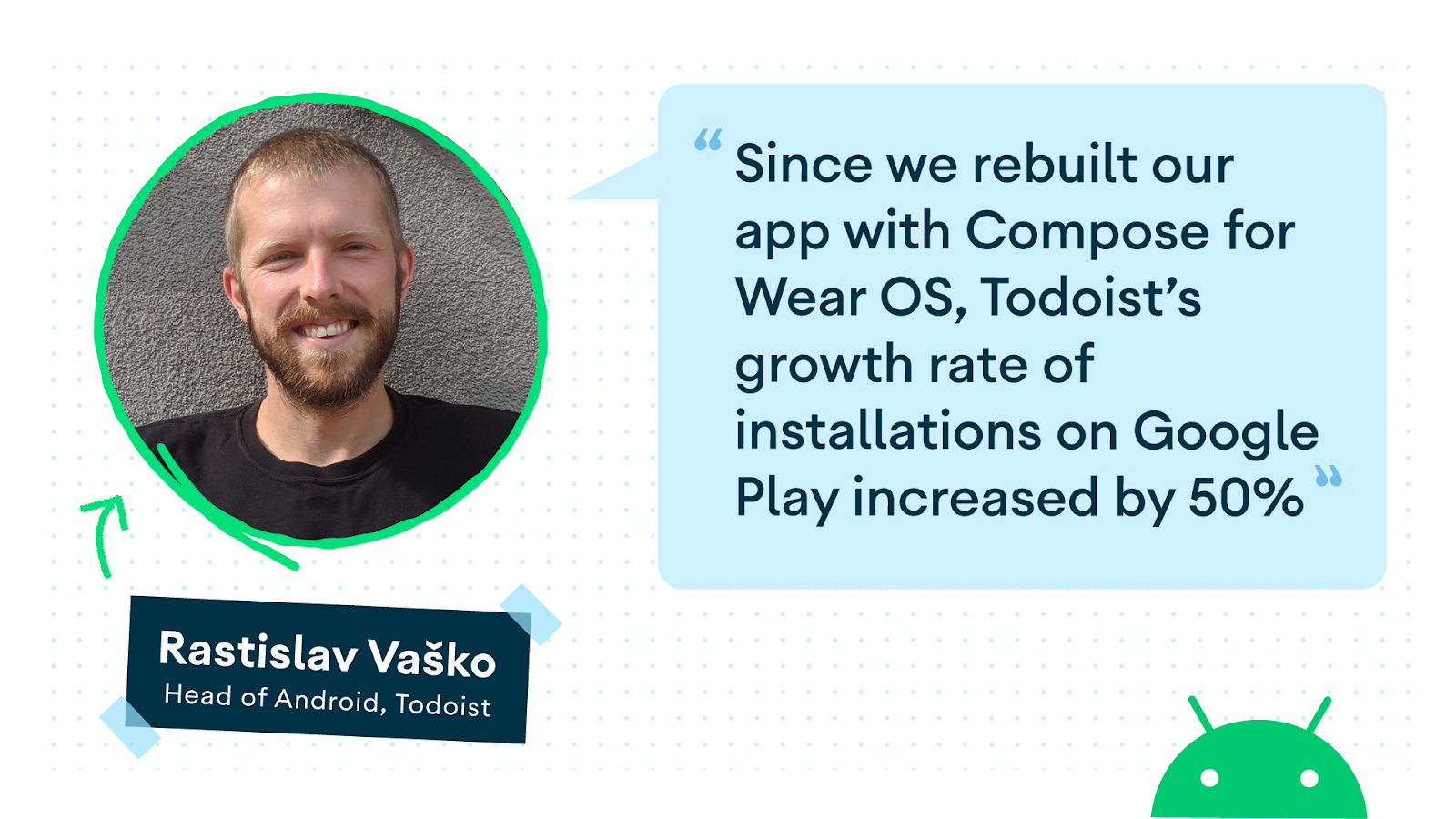
Todoist, PeriodTracker, and
Outdooractive
all rebuilt their app with Compose – taking advantage of the tools and APIs
that make building their app simpler and more efficient; in fact,
Outdooractive found that using Compose for Wear OS cut development time by 30%
for their team.
With the launch of the Google Pixel Watch, we are seeing fantastic
new experiences from Google apps
– using the new hardware features as another way to provide an exceptional
user experience. Google Photos now allows you to set your favorite picture as
your watch face on the Google Pixel Watch, which has 19 customizable watch
faces, each with many personalization options. With
Google Assistant
built in, Google Pixel Watch users can interact with their favorite apps by
using the Wear OS app or leveraging the built-in integration with Google
Assistant. For example, Google Home’s latest updates users can easily control
their smart home devices through the Wear OS app or by saying “Hey Google” to
their watch to do everything from adjusting the thermostat to getting
notifications from their Nest doorbell when a person or package at the
door2.
Health and fitness apps have a lot of opportunity with the latest Wear OS
platform and hardware updates. Google Pixel Watch includes Fitbit’s amazing
health and fitness features, including accurate heart rate tracking with
on-device machine learning and deep optimization down to the processor
level. Users can get insights into key metrics like breathing rate, heart
rate variability, sleep quality and more right on their Google Pixel Watch.
With this improved data, there are more opportunities for health and fitness
apps to provide meaningful insights and experiences for their users.
The updates and improvements from Wear OS and the Google Pixel Watch make
building differentiated app experiences more tangible. Apps are using those
capabilities to excite and delight users and so can you.
Get started
The Google Pixel Watch is the latest addition to an already incredible Wear OS
device ecosystem. From improved APIs and tools to exciting new hardware, there
is no time like the present to get started on your Wear OS app. To begin
developing with Compose for Wear OS, get started on our curated
learning pathway
for a step-by-step learning journey. Then, check out the
documentation
including a quick start guide and get hands on experience with the
Compose for Wear OS codelab!
Discover even more with the
Wear OS session
from Google I/O and hear the absolute latest and greatest from Wear OS by
tuning into the keynote and technical sessions at the upcoming
Android Developer Summit!
Want to learn more about all the MBG announcements? Check out the official
blog
here. Plus, get started with another exciting form factor coming to the Pixel
ecosystem, the Google Pixel Tablet, by
optimizing your app for tablets!
Disclaimers:
1. The Google Pixel Tablet has not been authorized as required by the
rules of the Federal Communications Commission or other regulators. This
device may not be sold or otherwise distributed until required legal
authorizations have been obtained.
2. Requires compatible smart home devices (sold separately).









Discussion about this post