










Written by Diego Velásquez
There are many doubts and questions related to how we can improve the performance of our Flutter application.
We have to clarify that Flutter is performant by default, but we must avoid making some mistakes when writing the code to make the application run in an excellent and fast way.
With these tips that I am going to give you we could avoid the use of profiling tools.
So, let’s get started, but first, let us know what’s your main difficulty when building apps?
When we have a large layout, then what we usually do is splitting using methods for each widget.
The following example is a widget that contains a header, center and footer widget.
class MyHomePage extends StatelessWidget {
  Widget _buildHeaderWidget() {
    final size = 40.0;
    return Padding(
      padding: const EdgeInsets.all(8.0),
      child: CircleAvatar(
        backgroundColor: Colors.grey[700],
        child: FlutterLogo(
          size: size,
        ),
        radius: size,
      ),
    );
  }

  Widget _buildMainWidget(BuildContext context) {
    return Expanded(
      child: Container(
        color: Colors.grey[700],
        child: Center(
          child: Text(
            'Hello Flutter',
            style: Theme.of(context).textTheme.display1,
          ),
        ),
      ),
    );
  }

  Widget _buildFooterWidget() {
    return Padding(
      padding: const EdgeInsets.all(8.0),
      child: Text('This is the footer '),
    );
  }

  @override
  Widget build(BuildContext context) {
    return Scaffold(
      body: Padding(
        padding: const EdgeInsets.all(15.0),
        child: Column(
          mainAxisSize: MainAxisSize.min,
          children: [
            _buildHeaderWidget(),
            _buildMainWidget(context),
            _buildFooterWidget(),
          ],
        ),
      ),
    );
  }
}
What we saw earlier is an anti-pattern. What happens internally is that when we make a change in and refresh the entire widget, it will also refresh the widgets that we have within the method, which leads us to waste CPU cycles.
What we should do is convert those methods to stateless Widget in the following way.
class MyHomePage extends StatelessWidget {
  @override
  Widget build(BuildContext context) {
    return Scaffold(
      body: Padding(
        padding: const EdgeInsets.all(15.0),
        child: Column(
          mainAxisSize: MainAxisSize.min,
          children: [
            HeaderWidget(),
            MainWidget(),
            FooterWidget(),
          ],
        ),
      ),
    );
  }
}

class HeaderWidget extends StatelessWidget {
  @override
  Widget build(BuildContext context) {
    final size = 40.0;
    return Padding(
      padding: const EdgeInsets.all(8.0),
      child: CircleAvatar(
        backgroundColor: Colors.grey[700],
        child: FlutterLogo(
          size: size,
        ),
        radius: size,
      ),
    );
  }
}

class MainWidget extends StatelessWidget {
  @override
  Widget build(BuildContext context) {
    return Expanded(
      child: Container(
        color: Colors.grey[700],
        child: Center(
          child: Text(
            'Hello Flutter',
            style: Theme.of(context).textTheme.display1,
          ),
        ),
      ),
    );
  }
}

class FooterWidget extends StatelessWidget {
  @override
  Widget build(BuildContext context) {
    return Padding(
      padding: const EdgeInsets.all(8.0),
      child: Text('This is the footer '),
    );
  }
}
Stateful/Stateless widgets have a special ‘cache’ mechanism (based on key, widget type and attributes), which only rebuild when necessary.
Besides that, this helps us to encapsulate and refactor our widgets. (Divide and Conquer)
And it would be a good idea to add const to our widgets, we’ll see why this is important later.
This is a typical mistake we make when we start using Flutter, we learn to rebuild our StatefulWidget using setState.
The following example is a widget that contains a Square to the center with a fav button that each time it is pressed causes the color to change. Oh, and the page also has a widget with background image.
Also, we’ll add some print statements after the build methods of each widget to see how it works.
class _MyHomePageState extends State<MyHomePage> {
  Color _currentColor = Colors.grey;

  Random _random = new Random();

  void _onPressed() {
    int randomNumber = _random.nextInt(30);
    setState(() {
      _currentColor = Colors.primaries[randomNumber % Colors.primaries.length];
    });
  }

  @override
  Widget build(BuildContext context) {
    print('building `MyHomePage`');
    return Scaffold(
      floatingActionButton: FloatingActionButton(
        onPressed: _onPressed,
        child: Icon(Icons.colorize),
      ),
      body: Stack(
        children: [
          Positioned.fill(
            child: BackgroundWidget(),
          ),
          Center(
            child: Container(
              height: 150,
              width: 150,
              color: _currentColor,
            ),
          ),
        ],
      ),
    );
  }
}

class BackgroundWidget extends StatelessWidget {
  @override
  Widget build(BuildContext context) {
    print('building `BackgroundWidget`');
    return Image.network(
      'https://cdn.pixabay.com/photo/2017/08/30/01/05/milky-way-2695569_960_720.jpg',
      fit: BoxFit.cover,
    );
  }
}
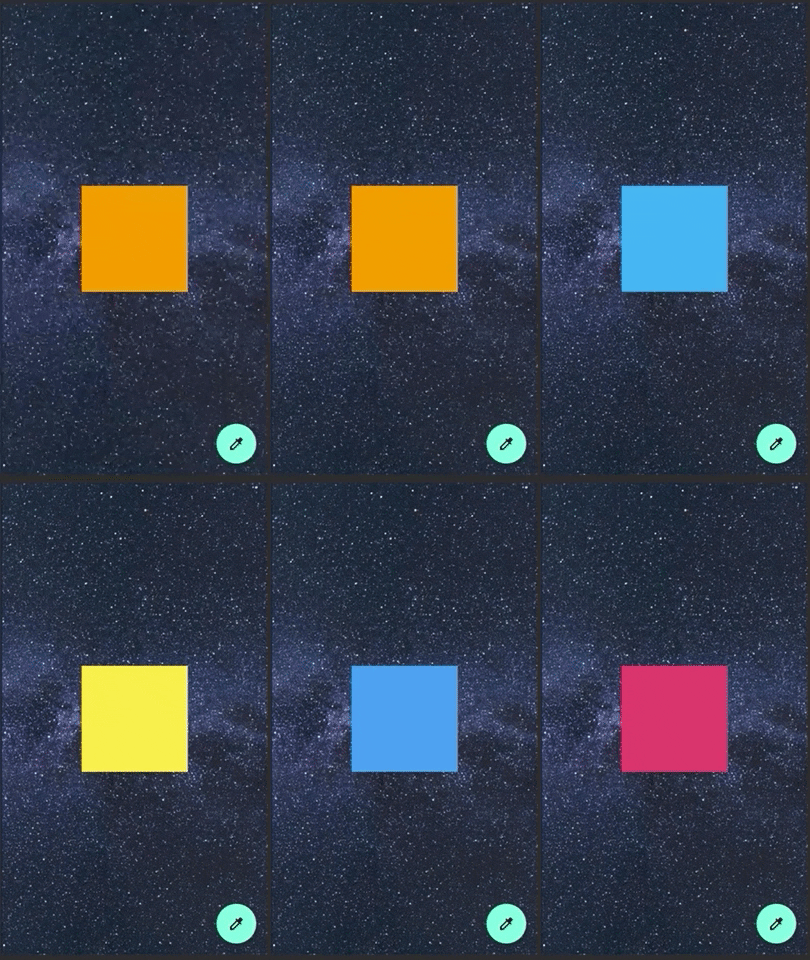
You will see 2 logs printed :
flutter: building `MyHomePage`
flutter: building `BackgroundWidget`
Every time we press the button, we are refreshing the entire screen, Scaffold, Background widget, and finally what matters to us, the container.
As we learn more, we know that rebuilding the entire widget is not a good practice, we only have to rebuild what we want to update.
Many know that this can be done with a state management package like flutter_bloc, mobx, provider, etc. But few know that it can also be done without any external package, that is, with classes that the flutter framework already offers out of the box.
We are going to refactor the same example now using ValueNotifier.
class _MyHomePageState extends State<MyHomePage> {
  final _colorNotifier = ValueNotifier<Color>(Colors.grey);
  Random _random = new Random();

  void _onPressed() {
    int randomNumber = _random.nextInt(30);
    _colorNotifier.value =
        Colors.primaries[randomNumber % Colors.primaries.length];
  }

  @override
  void dispose() {
    _colorNotifier.dispose();
    super.dispose();
  }

  @override
  Widget build(BuildContext context) {
    print('building `MyHomePage`');
    return Scaffold(
      floatingActionButton: FloatingActionButton(
        onPressed: _onPressed,
        child: Icon(Icons.colorize),
      ),
      body: Stack(
        children: [
          Positioned.fill(
            child: BackgroundWidget(),
          ),
          Center(
            child: ValueListenableBuilder(
              valueListenable: _colorNotifier,
              builder: (_, value, __) => Container(
                height: 150,
                width: 150,
                color: value,
              ),
            ),
          ),
        ],
      ),
    );
  }
}
Now you won’t see any print statement.
This works perfect, we are just rebuilding the widget we need. There is another interesting widget that we can also use in case we want to make a better separation between business logic and view (and maybe add some more logic inside that), and we can also handle more data within the notifier.
The same example now using ChangeNotifier.
//------ ChangeNotifier class ----//
class MyColorNotifier extends ChangeNotifier {
  Color myColor = Colors.grey;
  Random _random = new Random();

  void changeColor() {
    int randomNumber = _random.nextInt(30);
    myColor = Colors.primaries[randomNumber % Colors.primaries.length];
    notifyListeners();
  }
}
//------ State class ----//

class _MyHomePageState extends State<MyHomePage> {
  final _colorNotifier = MyColorNotifier();

  void _onPressed() {
    _colorNotifier.changeColor();
  }

  @override
  void dispose() {
    _colorNotifier.dispose();
    super.dispose();
  }

  @override
  Widget build(BuildContext context) {
    print('building `MyHomePage`');
    return Scaffold(
      floatingActionButton: FloatingActionButton(
        onPressed: _onPressed,
        child: Icon(Icons.colorize),
      ),
      body: Stack(
        children: [
          Positioned.fill(
            child: BackgroundWidget(),
          ),
          Center(
            child: AnimatedBuilder(
              animation: _colorNotifier,
              builder: (_, __) => Container(
                height: 150,
                width: 150,
                color: _colorNotifier.myColor,
              ),
            ),
          ),
        ],
      ),
    );
  }
}
The most important thing is that with these last 2 widgets we avoid unnecessary rebuilds.
It is good practice to use the keyword const for constants that we can initialize at compile time. Let’s also not forget to use const as much as possible for our widgets, this allows us to catch and reuse widgets to avoid unnecessary rebuilds that are caused by their ancestors.
Let’s reuse the last example using setState, but now we’ll add a counter which will increment the value every time we press the fav button.
class _MyHomePageState extends State<MyHomePage> {
  int _counter = 0;

  void _onPressed() {
    setState(() {
      _counter++;
    });
  }

  @override
  Widget build(BuildContext context) {
    print('building `MyHomePage`');
    return Scaffold(
      floatingActionButton: FloatingActionButton(
        onPressed: _onPressed,
        child: Icon(Icons.colorize),
      ),
      body: Stack(
        children: [
          Positioned.fill(
            child: BackgroundWidget(),
          ),
          Center(
              child: Text(
            _counter.toString(),
            style: Theme.of(context).textTheme.display4.apply(
                  color: Colors.white,
                  fontWeightDelta: 2,
                ),
          )),
        ],
      ),
    );
  }
}

class BackgroundWidget extends StatelessWidget {
  @override
  Widget build(BuildContext context) {
    print('building `BackgroundWidget`');
    return Image.network(
      'https://cdn.pixabay.com/photo/2017/08/30/01/05/milky-way-2695569_960_720.jpg',
      fit: BoxFit.cover,
    );
  }
}
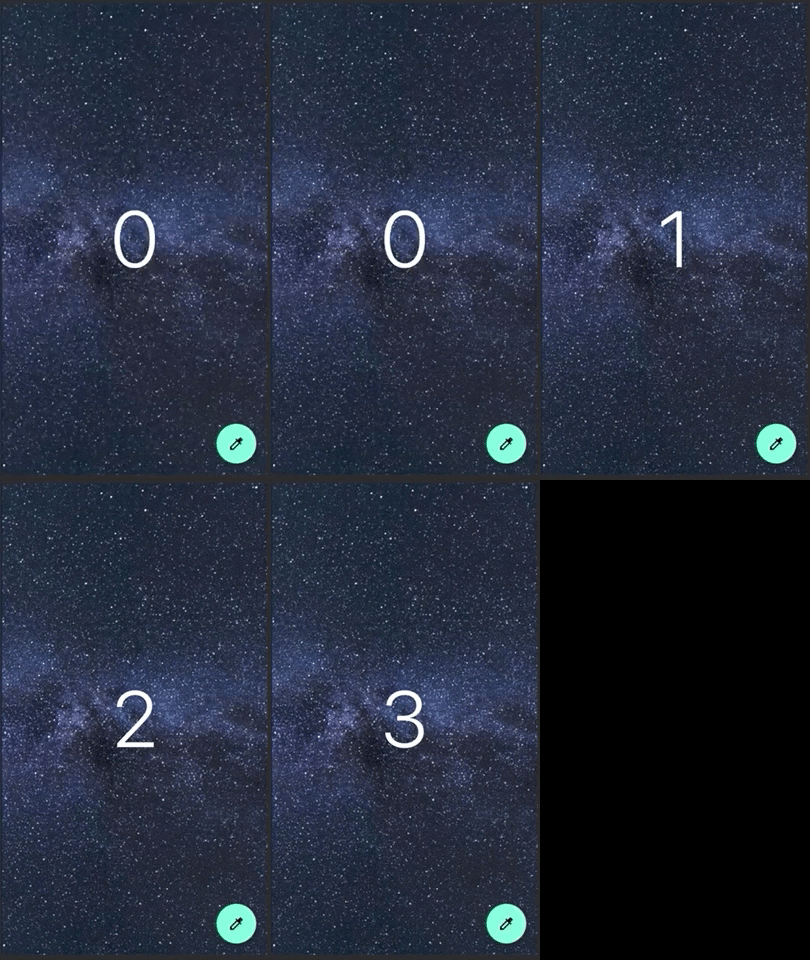
We have 2 prints statements, one in the build of the main widget and the other one in the background widget. Every time we press the fab button, we see that the child widget is also rebuilt even though it has a fixed content.
flutter: building `MyHomePage`
flutter: building `BackgroundWidget`
Now using const for our widget, the code would look like this:
class _MyHomePageState extends State<MyHomePage> {
  int _counter = 0;

  void _onPressed() {
    setState(() {
      _counter++;
    });
  }

  @override
  Widget build(BuildContext context) {
    print('building `MyHomePage`');
    return Scaffold(
      floatingActionButton: FloatingActionButton(
        onPressed: _onPressed,
        child: Icon(Icons.colorize),
      ),
      body: Stack(
        children: [
          Positioned.fill(
            child: const BackgroundWidget(),
          ),
          Center(
              child: Text(
            _counter.toString(),
            style: Theme.of(context).textTheme.display4.apply(
                  color: Colors.white,
                  fontWeightDelta: 2,
                ),
          )),
        ],
      ),
    );
  }
}

class BackgroundWidget extends StatelessWidget {
  const BackgroundWidget();

  @override
  Widget build(BuildContext context) {
    print('building `BackgroundWidget`');
    return Image.network(
      'https://cdn.pixabay.com/photo/2017/08/30/01/05/milky-way-2695569_960_720.jpg',
      fit: BoxFit.cover,
    );
  }
}
And when we see the log when pressing the fav button, we only see the initial print of the parent widget (of course we can improve this using the technique I showed you before this tip), therefore we avoid the rebuild of the widget marked as const.
Use itemExtent in ListView for long Lists
Sometimes when we have a very long list, and we want to make a drastic jump with the scroll, the use of itemExtent is very important, let’s see a simple example.
We have a list of 10 thousand elements. On pressing the button, we will jump to the last element. In this example we won’t use itemExtent and we will let the children determine its size.
class MyHomePage extends StatelessWidget {
  final widgets = List.generate(
    10000,
    (index) => Container(
      height: 200.0,
      color: Colors.primaries[index % Colors.primaries.length],
      child: ListTile(
        title: Text('Index: $index'),
      ),
    ),
  );

  final _scrollController = ScrollController();

  void _onPressed() async {
    _scrollController.jumpTo(
      _scrollController.position.maxScrollExtent,
    );
  }

  @override
  Widget build(BuildContext context) {
    return Scaffold(
      floatingActionButton: FloatingActionButton(
        onPressed: _onPressed,
        splashColor: Colors.red,
        child: Icon(Icons.slow_motion_video),
      ),
      body: ListView(
        controller: _scrollController,
        children: widgets,
      ),
    );
  }
}
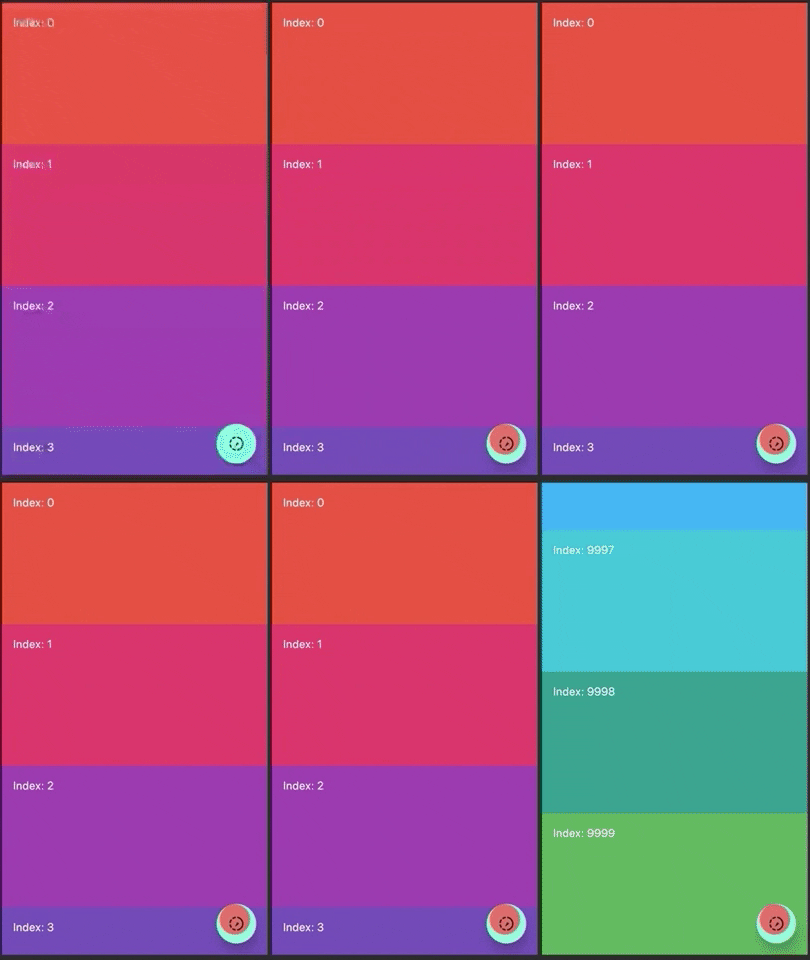
If you see the result, the jump is very slow (~10 seconds). This is due to the cost of letting the children determine their own size. This even blocks the UI!
To avoid this we have to use the itemExtent property, using this the scrolling machinery can make use of the foreknowledge of the children’s extent to save work.
class MyHomePage extends StatelessWidget {
  final widgets = List.generate(
    10000,
    (index) => Container(
      color: Colors.primaries[index % Colors.primaries.length],
      child: ListTile(
        title: Text('Index: $index'),
      ),
    ),
  );

  final _scrollController = ScrollController();

  void _onPressed() async {
    _scrollController.jumpTo(
      _scrollController.position.maxScrollExtent,
    );
  }

  @override
  Widget build(BuildContext context) {
    return Scaffold(
      floatingActionButton: FloatingActionButton(
        onPressed: _onPressed,
        splashColor: Colors.red,
        child: Icon(Icons.slow_motion_video),
      ),
      body: ListView(
        controller: _scrollController,
        children: widgets,
        itemExtent: 200,
      ),
    );
  }
}
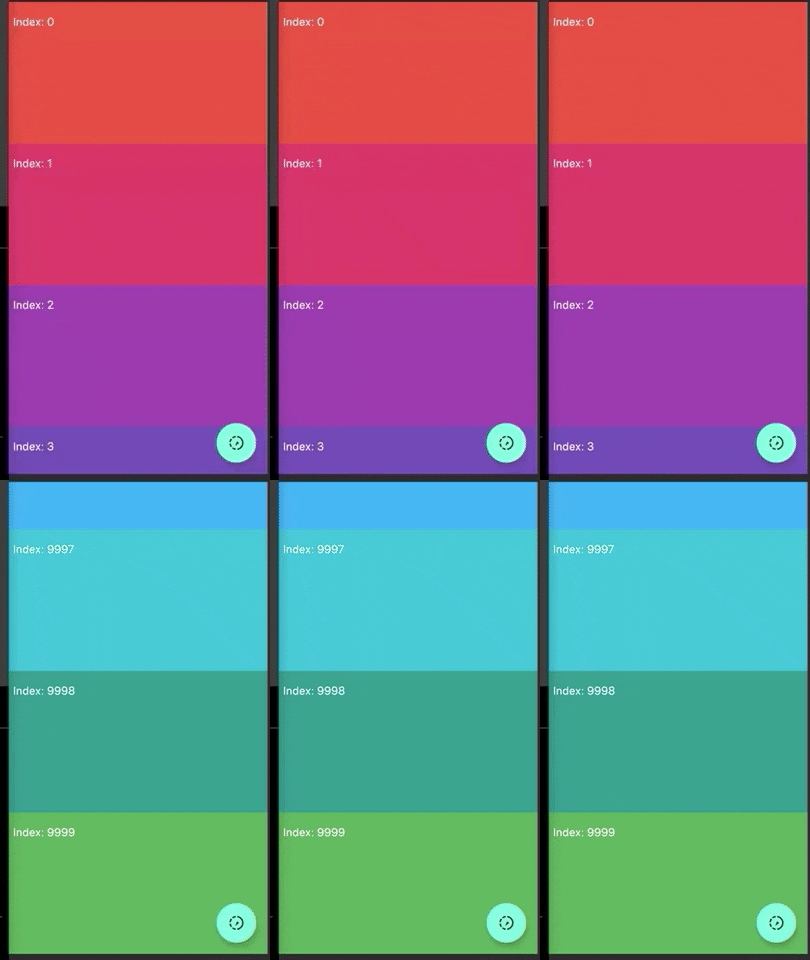
With that small change we get an immediate jump, without delays.
Often we want to add an animation to our widgets. What we normally do then is add a listener to our AnimationController and call setState.
But as we saw at the beginning, this is not a good practice. Instead, we are going to use the AnimatedBuilder widget to rebuild only the widget that we want to animate.
We are going to create a screen that contains a widget to the center that shows the current count, and that when pressing the fav button the widget rotates 360.
class _MyHomePageState extends State<MyHomePage>
    with SingleTickerProviderStateMixin {
  AnimationController _controller;
  int counter = 0;

  void _onPressed() {
    setState(() {
      counter++;
    });
    _controller.forward(from: 0.0);
  }

  @override
  void initState() {
    _controller = AnimationController(
        vsync: this, duration: const Duration(milliseconds: 600));
    super.initState();
  }

  @override
  void dispose() {
    _controller.dispose();
    super.dispose();
  }

  @override
  Widget build(BuildContext context) {
    return Scaffold(
      floatingActionButton: FloatingActionButton(
        onPressed: _onPressed,
        splashColor: Colors.red,
        child: Icon(Icons.slow_motion_video),
      ),
      body: AnimatedBuilder(
        animation: _controller,
        builder: (_, child) => Transform(
          alignment: Alignment.center,
          transform: Matrix4.identity()
            ..setEntry(3, 2, 0.001)
            ..rotateY(360 * _controller.value * (pi / 180.0)),
          child: CounterWidget(
            counter: counter,
          ),
        ),
      ),
    );
  }
}

class CounterWidget extends StatelessWidget {
  final int counter;

  const CounterWidget({Key key, this.counter}) : super(key: key);

  @override
  Widget build(BuildContext context) {
    print('building `CounterWidget`');
    return Center(
      child: Text(
        counter.toString(),
        style: Theme.of(context).textTheme.display4.apply(fontWeightDelta: 3),
      ),
    );
  }
}
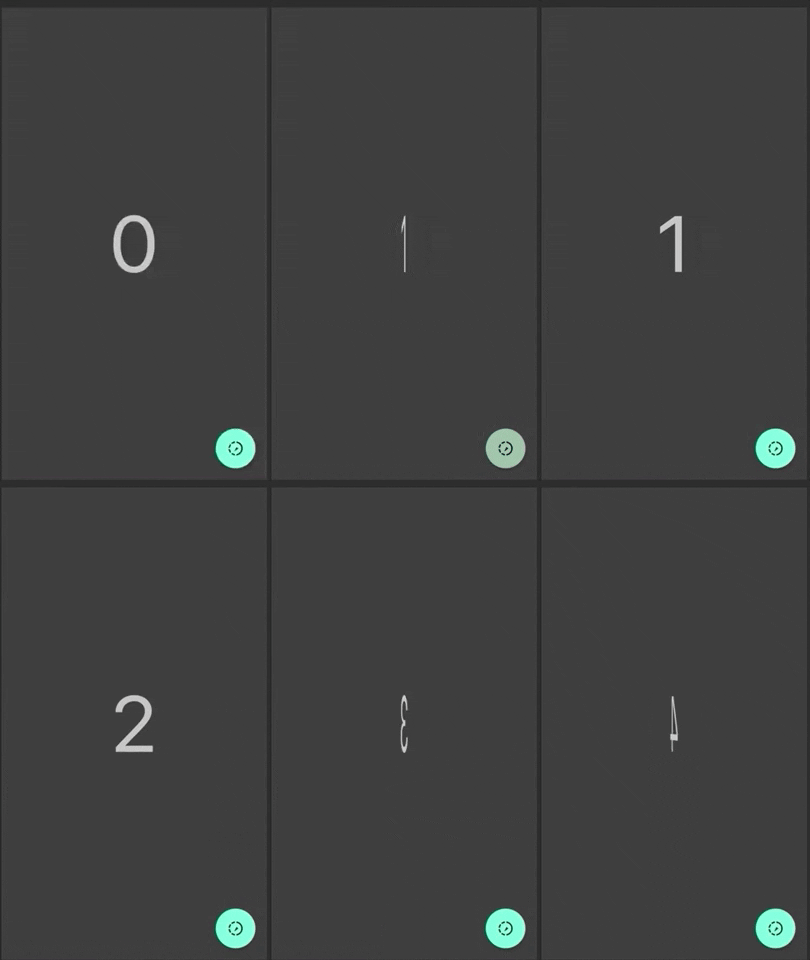
Perfect, we already have it. Now let’s add a print in the counter widget to see what happens and try again.
flutter: building `CounterWidget`
flutter: building `CounterWidget`
flutter: building `CounterWidget`
flutter: building `CounterWidget`
flutter: building `CounterWidget`
...
flutter: building `CounterWidget`
We see that while rotating it is rebuilding our widget. However, there are many print statements, how can we avoid that? (It’s ok to rebuild just one time because the setState we use to refresh the counter).
Simple, we use the child attribute provided by the AnimatedBuilder, which allows us to cache widgets to reuse them in our animation. We do this because that widget is not going to change, the only thing it will do is rotate, but for that we have the Transform widget.
  @override
  Widget build(BuildContext context) {
    return Scaffold(
      floatingActionButton: FloatingActionButton(
        onPressed: _onPressed,
        splashColor: Colors.red,
        child: Icon(Icons.slow_motion_video),
      ),
      body: AnimatedBuilder(
        animation: _controller,
        child: CounterWidget(
          counter: counter,
        ),
        builder: (_, child) => Transform(
          alignment: Alignment.center,
          transform: Matrix4.identity()
            ..setEntry(3, 2, 0.001)
            ..rotateY(360 * _controller.value * (pi / 180.0)),
          child: child,
        ),
      ),
    );
  }
We have the same visual result but if we see the log, it is no longer rebuilding our counter widget (only one time because we update the counter), with this we have optimized our animation.
Avoid using the Opacity particularly in an animation
We will mention the animations again, since many times we usually use the Opacity widget within them.
We are going to recreate the previous example, but instead of using Transform, we will use Opacity to make the widget disappear and appear again.
class _MyHomePageState extends State<MyHomePage>
    with SingleTickerProviderStateMixin {
  AnimationController _controller;
  int counter = 0;

  void _onPressed() {
    setState(() {
      counter++;
    });
    _controller.forward(from: 0.0);
  }

  @override
  void initState() {
    _controller = AnimationController(
        vsync: this, duration: const Duration(milliseconds: 600));
    _controller.addStatusListener((status) {
      if (status == AnimationStatus.completed) {
        _controller.reverse();
      }
    });
    super.initState();
  }

  @override
  void dispose() {
    _controller.dispose();
    super.dispose();
  }

  @override
  Widget build(BuildContext context) {
    return Scaffold(
      floatingActionButton: FloatingActionButton(
        onPressed: _onPressed,
        splashColor: Colors.red,
        child: Icon(Icons.slow_motion_video),
      ),
      body: AnimatedBuilder(
        animation: _controller,
        child: CounterWidget(
          counter: counter,
        ),
        builder: (_, child) => Opacity(
          opacity: (1 - _controller.value),
          child: child,
        ),
      ),
    );
  }
}
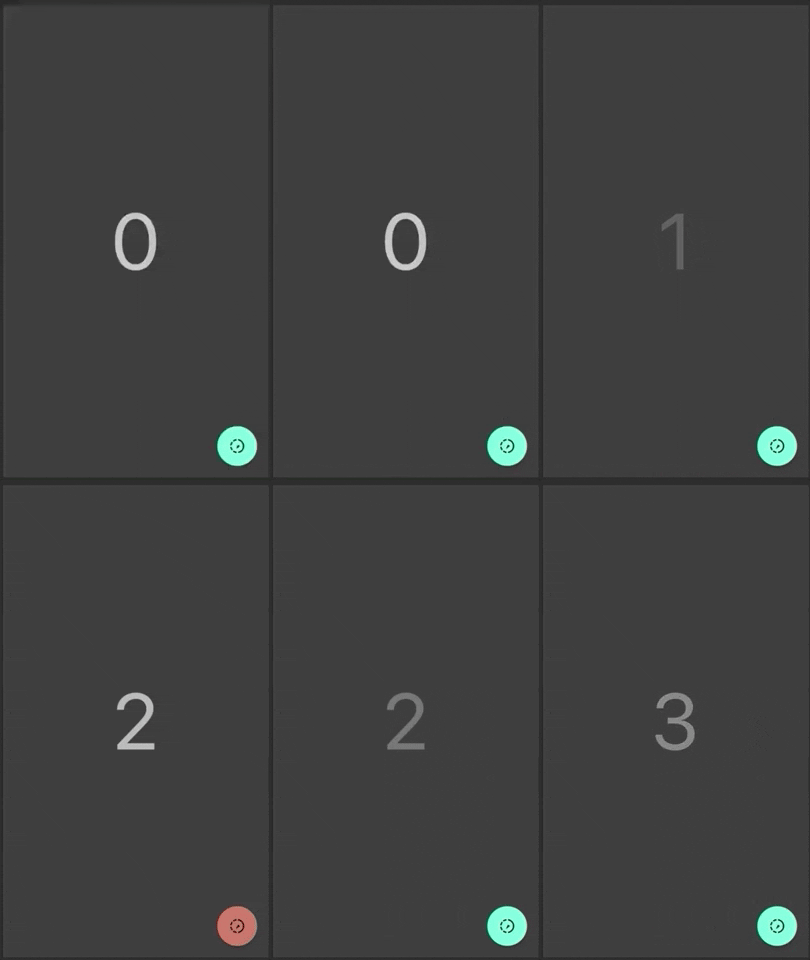
As we see the animation works, however, animating Opacity widget directly causes the widget (and possibly its subtree) to rebuild each frame, which is not very efficient.
So to improve and optimize this we have 2 options:
1 – Using FadeTransition
class _MyHomePageState extends State<MyHomePage>
    with SingleTickerProviderStateMixin {
  AnimationController _controller;
  int counter = 0;

  void _onPressed() {
    setState(() {
      counter++;
    });
    _controller.forward(from: 0.0);
  }

  @override
  void initState() {
    _controller = AnimationController(
        vsync: this, duration: const Duration(milliseconds: 600));
    _controller.addStatusListener((status) {
      if (status == AnimationStatus.completed) {
        _controller.reverse();
      }
    });
    super.initState();
  }

  @override
  void dispose() {
    _controller.dispose();
    super.dispose();
  }

  @override
  Widget build(BuildContext context) {
    return Scaffold(
      floatingActionButton: FloatingActionButton(
        onPressed: _onPressed,
        splashColor: Colors.red,
        child: Icon(Icons.slow_motion_video),
      ),
      body: FadeTransition(
        opacity: Tween(begin: 1.0, end: 0.0).animate(_controller),
        child: CounterWidget(
          counter: counter,
        ),
      ),
    );
  }
}
2 – Using AnimatedOpacity
const duration = const Duration(milliseconds: 600);

class _MyHomePageState extends State<MyHomePage> {
  int counter = 0;
  double opacity = 1.0;

  void _onPressed() async {
    counter++;
    setState(() {
      opacity = 0.0;
    });
    await Future.delayed(duration);
    setState(() {
      opacity = 1.0;
    });
  }

  @override
  Widget build(BuildContext context) {
    return Scaffold(
      floatingActionButton: FloatingActionButton(
        onPressed: _onPressed,
        splashColor: Colors.red,
        child: Icon(Icons.slow_motion_video),
      ),
      body: AnimatedOpacity(
        opacity: opacity,
        duration: duration,
        child: CounterWidget(
          counter: counter,
        ),
      ),
    );
  }
}
Both options are much more efficient than using the Opacity widget directly.
Summary
As I mentioned initially, Flutter is powerful enough to run our apps without problems, but it is always good to follow good practices and optimize our app as much as possible.
I recommend this video from Filip Hráček at Flutter Europe, where he talks a little about this and how to use some profiling tools to track the performance.
Links:
Diego Velásquez is a Flutter and Dart GDE from Lima, Peru. He’s part of the Flutter committee.
Diego is passionate for mobile applications and works as a Mobile Software Architect. You can follow him on Twitter @diegoveloper










Discussion about this post