
This article discusses the importance of accessibility in mobile app design. It covers the various aspects of accessibility and how it affects different groups of people. The article also provides tips on how to make mobile apps more accessible and inclusive.
Mobile apps have become an integral part of our daily lives. They help us stay connected, get work done, and have fun. However, not all apps are accessible to everyone. Many apps are designed with a narrow audience in mind, neglecting the needs of people with disabilities, older adults, and non-native speakers.
Accessibility is about designing products and services that can be used by as many people as possible, including those with disabilities. In the context of mobile app design, accessibility means creating apps that are easy to use, navigate, and understand, regardless of a person’s abilities.
Making mobile apps accessible is not only the right thing to do, but it also makes good business sense. It can help you reach a wider audience, improve user engagement and satisfaction, and enhance your brand reputation.
Understanding Accessibility:

Accessibility is about creating products and services that are accessible to everyone, regardless of their abilities. In the context of mobile app design, accessibility means creating apps that can be used by people with different disabilities, including visual, hearing, motor, and cognitive impairments.
Accessibility also includes creating apps that are easy to use for older adults, non-native speakers, and people with temporary disabilities like a broken arm.
There are several aspects of accessibility in mobile app design, including:
- Visual Accessibility: This refers to designing apps that are easy to see and understand for people with visual impairments, color blindness, or other visual conditions. It involves using high-contrast colors, legible fonts and providing alternative text for images.
- Auditory Accessibility: This refers to designing apps that are easy to hear and understand for people with hearing impairments. It involves providing captions, transcripts, or sign language for audio content.
- Motor Accessibility: This refers to designing apps that are easy to use for people with motor impairments, such as tremors, arthritis, or paralysis. It involves providing larger touch targets, voice commands, or alternative input methods like a joystick or keyboard.
- Cognitive Accessibility: This refers to designing apps that are easy to understand and use for people with cognitive impairments, such as dyslexia or autism. It involves using simple language, clear instructions, and avoiding clutter and distractions.
The Impact of Inaccessible Apps:
Inaccessible apps can have a significant impact on the lives of people with disabilities. It can prevent them from accessing vital information and services, socializing with others, and enjoying their hobbies and interests.
For example, an inaccessible banking app can make it challenging for someone with a visual impairment to check their account balance, while an inaccessible social media app can prevent someone with a hearing impairment from following a conversation.
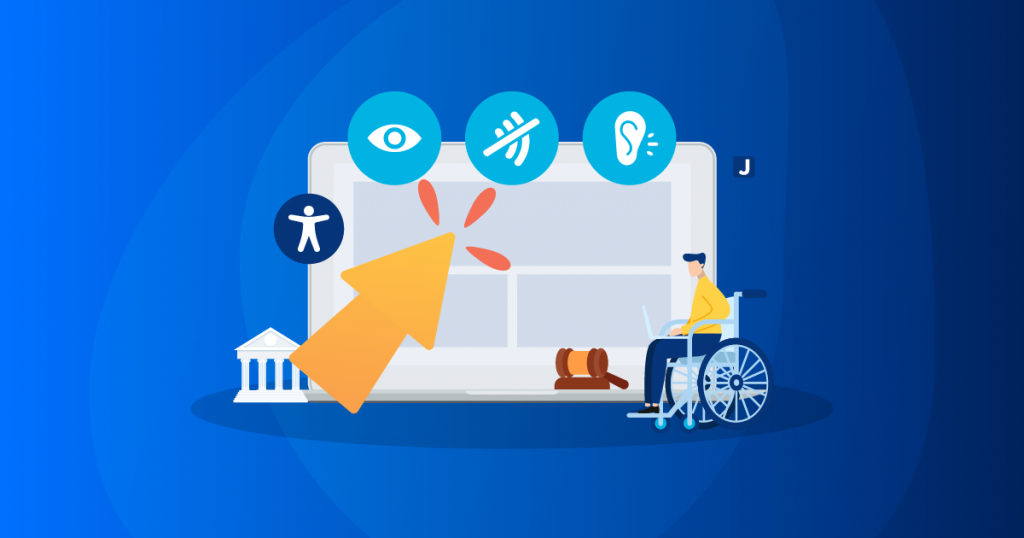
Inaccessible apps can also have legal consequences. In many countries, including the United States, the European Union, and Canada, there are laws that require businesses to make their digital products accessible to people with disabilities. Failure to comply with these laws can result in lawsuits, fines, and damage to the company’s reputation.
Tips for Creating Accessible Mobile Apps:
Creating accessible mobile apps requires careful planning, attention to detail, and a commitment to inclusivity.
Here are some tips for making your mobile apps more accessible:
- Conduct User Research: The first step in creating accessible mobile apps is to understand the needs of your users, including people with disabilities. Conduct user research to identify their pain points, challenges, and preferences.
- Follow Accessibility Guidelines: There are several accessibility guidelines and standards that you can follow to ensure that your mobile apps are accessible to everyone. Some of the popular accessibility guidelines include WCAG (Web Content Accessibility Guidelines) and ARIA (Accessible Rich Internet Applications). These guidelines provide detailed instructions on how to create accessible apps, including best practices for designing layouts, using colors, and providing alternative text.