








Hadlee Simons / Android Authority
Object erasing functionality is one of the coolest features in the smartphone photography space, allowing you to easily remove that photo bomber (and much more) to get a pristine shot.
This isn’t anything new, as we saw basic takes on this feature in the early 2010s. But Google and Samsung have both launched new-generation modes in the last couple of years, in the form of Magic Eraser and Object Eraser respectively.
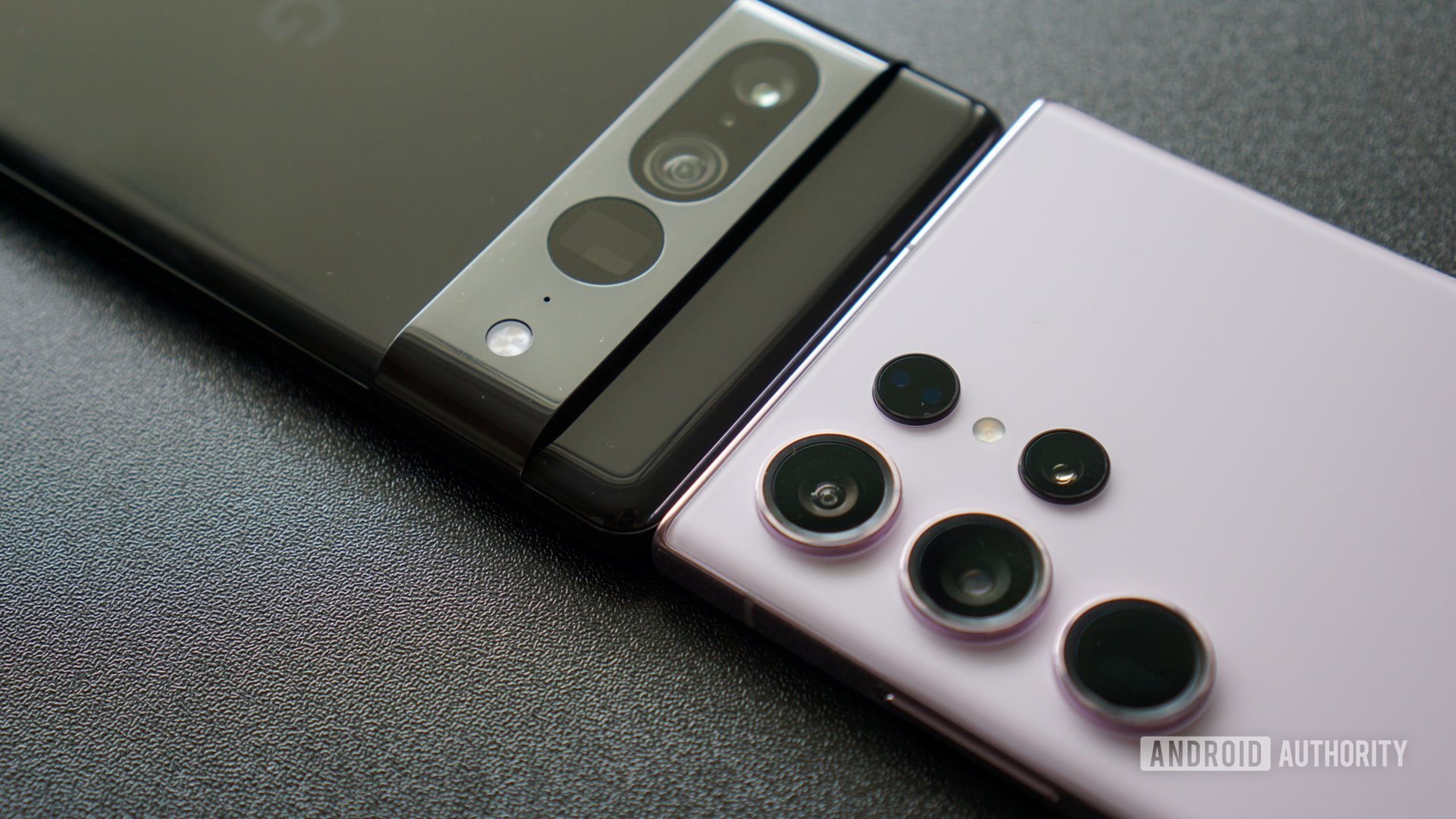
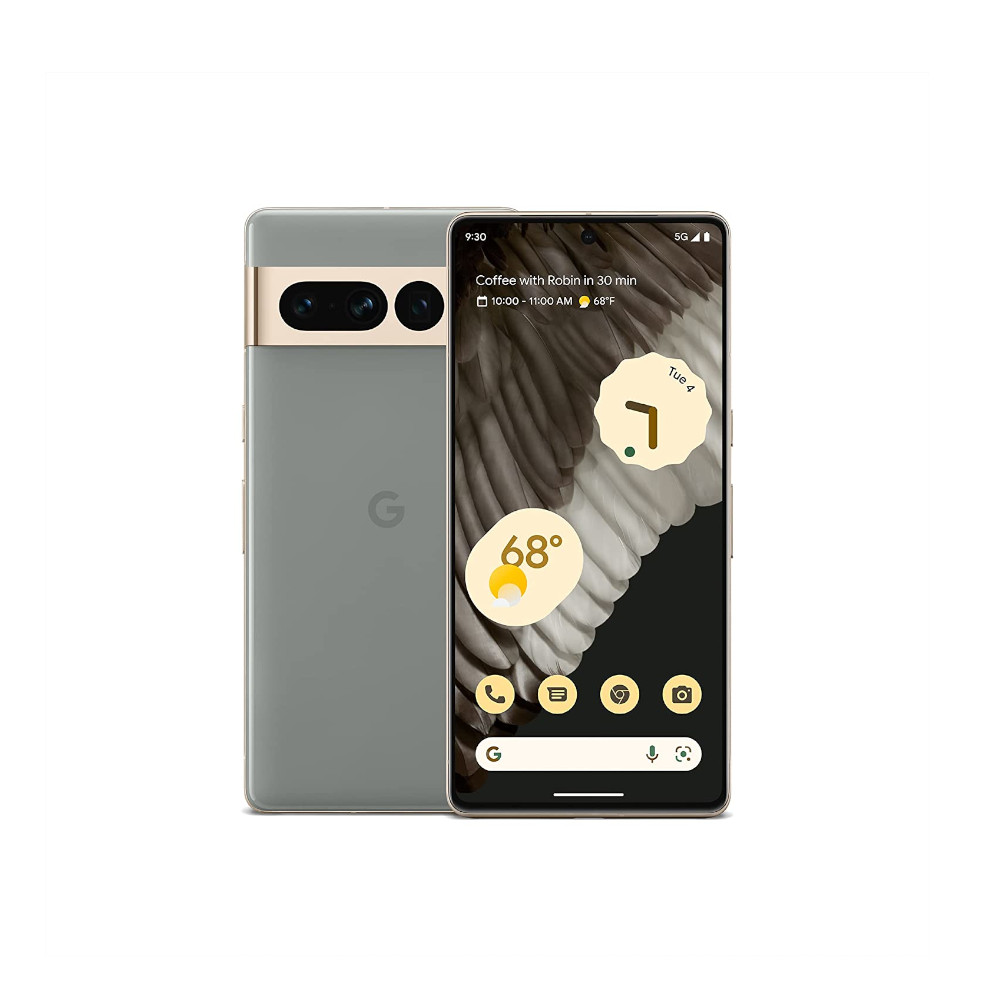
So which solution is actually better, then? We’ve gathered some photos from our libraries and put them through both Google and Samsung’s object-erasing tools on the Pixel 7 Pro and Galaxy S23 Ultra respectively.
Do you use object-erasing tools to improve your photos?
304 votes
How we tested

Hadlee Simons / Android Authority
The Google Pixel 7 Pro’s mode works by automatically detecting any objects that can be erased, then highlighting them and prompting you to erase them all. So this was our first choice, followed by manually circling/brushing a desired subject/object once.
Samsung’s tool, on the other hand, tries to automatically detect objects that can be erased, but doesn’t highlight them. However, you can tap on something to quickly erase it if Samsung’s tool indeed detected it. So this was our preferred method of object removal here. Failing this, we once again manually circled/brushed a desired item once.
Either way, we didn’t circle/brush an item that wasn’t properly removed via automatic detection. And we didn’t use repeated brushing on the same item. However, we allowed ourselves to roll back a change and try circling or brushing again.
Basic object removal
Our first round of testing kicks off with some pretty standard people-erasing in this Deauville seaside shot. Wouldn’t it be nice if the person taking a photo of their own in the background disappeared?
Both phones did a great job of removing the person, although Samsung’s finished product still contains a small shadow. The major differences are in the details, though, and both modes faltered when it came to making the distant background (e.g. the houses and sand pile) look plausible. In saying so, Samsung’s approach makes the background look like it’s been corrupted.
Winner: A close one, but Google wins, by a grain.
Another relatively straightforward test at first glance takes place in this cavernous street art gallery. The most obvious target for removal is the person on the right-hand side of the photo.
Both phones delivered good but not perfect results here, with both Magic Eraser and Samsung’s Object Eraser leaving a telltale shadow where the person was standing. Zoom in on both images and you can also notice some blur in the edited area, with Samsung faring far worse. Both solutions were also smart enough to replicate the lines on the floor, but Magic Eraser delivered sharper results here.
The difference is in the details when it comes to basic object removal.
It’s also worth noting that Magic Eraser accurately erased the person near the middle of the picture. Samsung didn’t recognize this person and only prompted us to remove them and a chunk of artwork in one go. Then again, Magic Eraser also suggested we remove the portrait of a person in the distant background. Needless to say, we didn’t opt for either option.
Our final basic comparison is a picture of a military jet with a jetliner flying past in the foreground. Neither mode should have any trouble identifying the jetliner seeing that it’s easily discernible against the clear sky.
Both phones passed the test with flying colors, though zooming in reveals faint smudges in the edited area of both snaps. But the smudge is easier to see on the Samsung rendition.
Winner: A very, very narrow win for Google’s phone here.
Stepping things up a notch
Both object removal modes did a serviceable job at worst with the above images, but what about more challenging pictures?
Our next round of testing starts with this old photo I took of a bridge over a rock formation. Can Magic Eraser and Samsung’s Object Eraser make it look like no one was there?
Neither phone was truly flawless here. Google Magic Eraser tried to add the obscured bridge railings back into the picture but flubbed the alignment. However, Samsung’s object removal tool left a blurry smudge that’s visible without zooming in.
Another mid-weight challenge for object erasing is this rubbish bin next to an artwork. More specifically, we’re keen to see how each phone handles the intersection of floor tile lines.
Samsung and Google’s modes did a decent job of making the bin disappear without any ghosting or smudges, but we see two very different approaches to the background. Google’s erasing tool was way off the mark here, while Samsung indeed managed to connect the lines formed by the tiles on the floor. Samsung’s replaced area was quite low-resolution compared to the surroundings though, but I’d rather have a low-resolution edited background that looks the part than a high-resolution garbagy mess.
Our next comparison isn’t about removing an object. Instead, we’re removing an unsightly purple light flare obscuring part of the cat.
Magic Eraser was certainly the preferred pick here, doing a great job of filling in the fur under the ear and eliminating any traces of the light flare. The Samsung Object Eraser tool didn’t do a bad job, but the replacement fur certainly looks a little too long and we can still see some purple hues here. It’s also interesting to see how both phones took varying approaches to filling in the area to the right of the eye, and they both end up looking a little weird.
Winner: Google, by a whisker.
Object removal on hard mode
The following images are all more significant challenges for the object-removal technology of today’s smartphones.
Starting with a photo of an artist (Tarja Turunen) partially obscured by a clapping hand, there’s a lot of work in store for Google and Samsung’s object-removal modes. They both failed to reach a high note, but in different ways. Google’s object removal mode didn’t do as good a job of guessing the background as Samsung’s tool. And you can still plainly see the outline of the hand in the finished result.
In a reversal from previous rounds, Google’s Magic Eraser faltered when it came to the most challenging scenes.
Meanwhile, Samsung’s Object Eraser did a better job of interpreting and filling in the background (check the area to the left of the musician). Samsung’s tool also did a better job of removing the hand, although there’s still a faint outline here. Magic Eraser definitely came out on top when it came to filling in the rest of the musician’s body though, and she’s the subject after all.
Winner: We’re calling this one a draw.
Our penultimate comparison is a tough one, because these cars are not clearly defined at all. It also seems like object eraser modes are meant for people and much smaller objects. Needless to say, I didn’t have high hopes for either mode going in.
There’s no question about it that Samsung is the winner here. Google’s Magic Eraser completely botched this job, replacing the background with a road and road markings. Samsung’s replacement background rocks are far from perfect, as they’re noticeably blurrier than the surrounding environment. But once again, we’d rather have a blurry background than an incorrect one.
Winner: Samsung, by a mile.
Our final comparison shot is this beautiful Parisian café adorned with plenty of flowers. We’re looking to get rid of the people in this shot. The busy background is definitely going to complicate matters.
The good news is that both phones automatically found these people, with Samsung letting me tap to remove them and Google letting me erase them all with one button. It looks like Google came off worse, leaving the red unattended luggage in the picture and erroneously making the menu on the left-hand side wider than it is (despite the whole menu being plainly visible to begin with).
In saying so, Samsung Object Eraser still struggled here, with a more noticeable smudge where the left-most person used to be, as well as that low-resolution, less-defined approach to filling in the blanks.
The final winner?
Hadlee Simons / Android Authority
Both Google and Samsung have powerful object-erasing functionality on their phones. The feature has evidently gone from a novelty years ago to something you can actually use to fix a variety of photos.
It’s also interesting to see how Google and Samsung vary in their approaches to replacing backgrounds. Magic Eraser seems to aggressively guess what should be there and then draws a detailed replacement. This approach can pay dividends when it works, but it can also look horribly weird when it doesn’t.
Google’s Magic Eraser picks up more wins than Samsung’s Object Eraser, but both tools are worth using.
On the other hand, Samsung’s approach often looks like a video game suffering from texture pop-in. In saying so, it looks like the Object Eraser is more adept than Magic Eraser at matching some types of patterns.
Overall, Google’s object-erasing approach was the winner in the majority of our comparisons here (five to three). However, we were pleasantly surprised to see Samsung keep up and even beat Google in a few challenging scenarios.
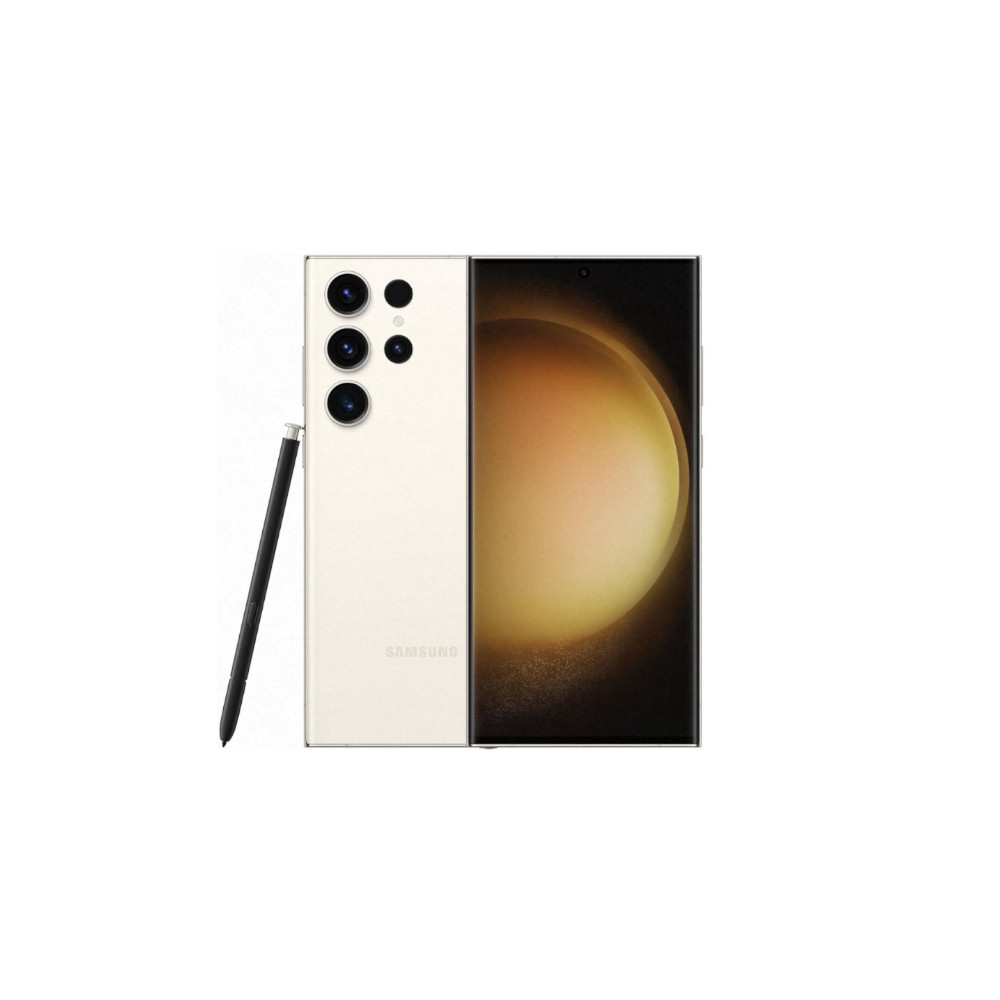
Samsung Galaxy S23 Ultra
New 200MP main camera
Beautiful display
S Pen functionality
Frequently asked questions
To use Object Eraser on your Galaxy phone, you need to open the desired picture in your Gallery app, tap the pencil icon to edit it, and then tap the three-dot icon and choose ‘Object eraser.’
Object Eraser is available on a variety of Samsung phones running One UI 3.1 and later, including the Galaxy S10 and newer S series phones, Galaxy Note 20 series, all Galaxy foldables, and several Galaxy A series phones.
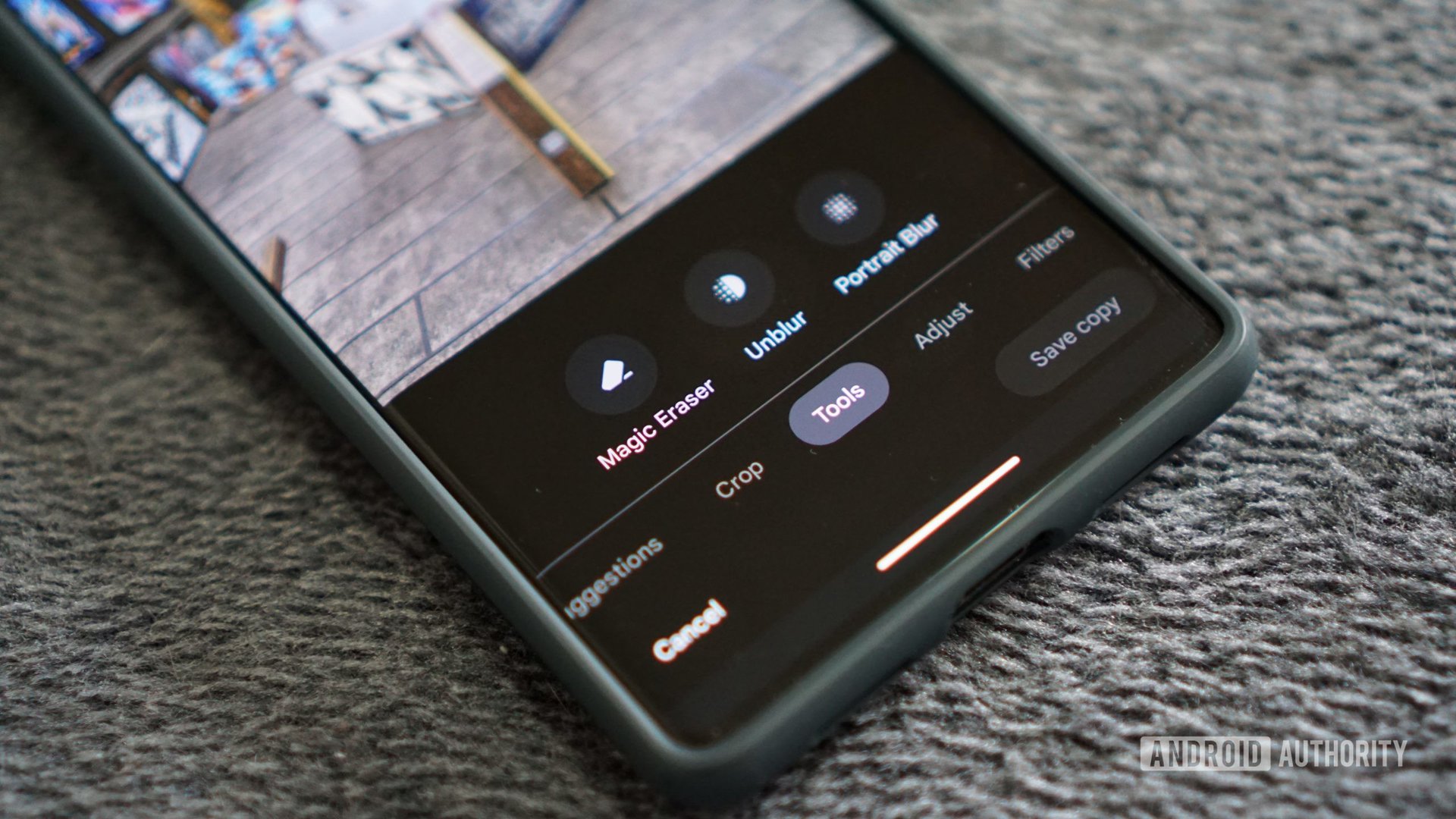
To use Magic Eraser on your Pixel device, you’ll need to open Google Photos, tap on the desired image, and then tap Edit > Tools > Magic Eraser.









Discussion about this post